
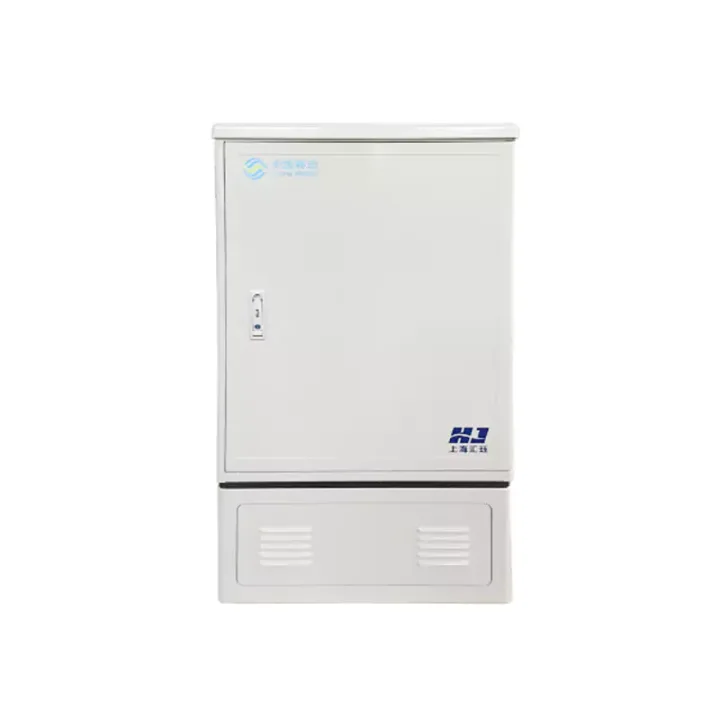
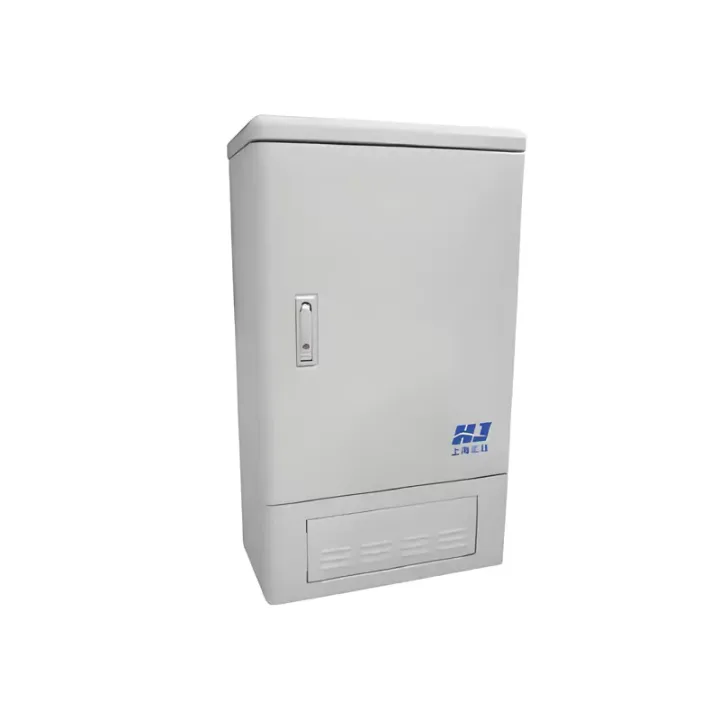
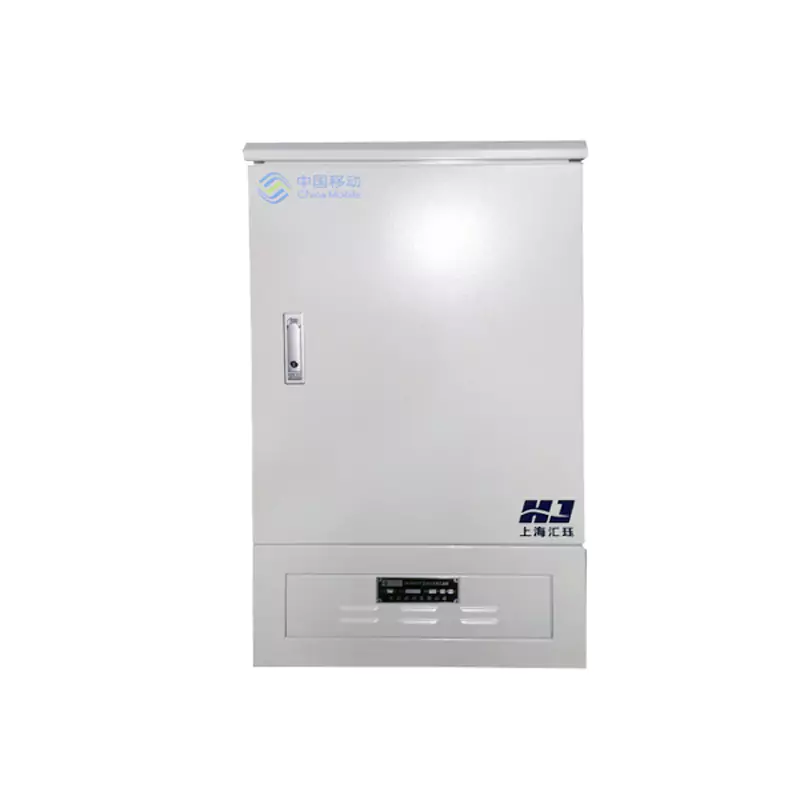
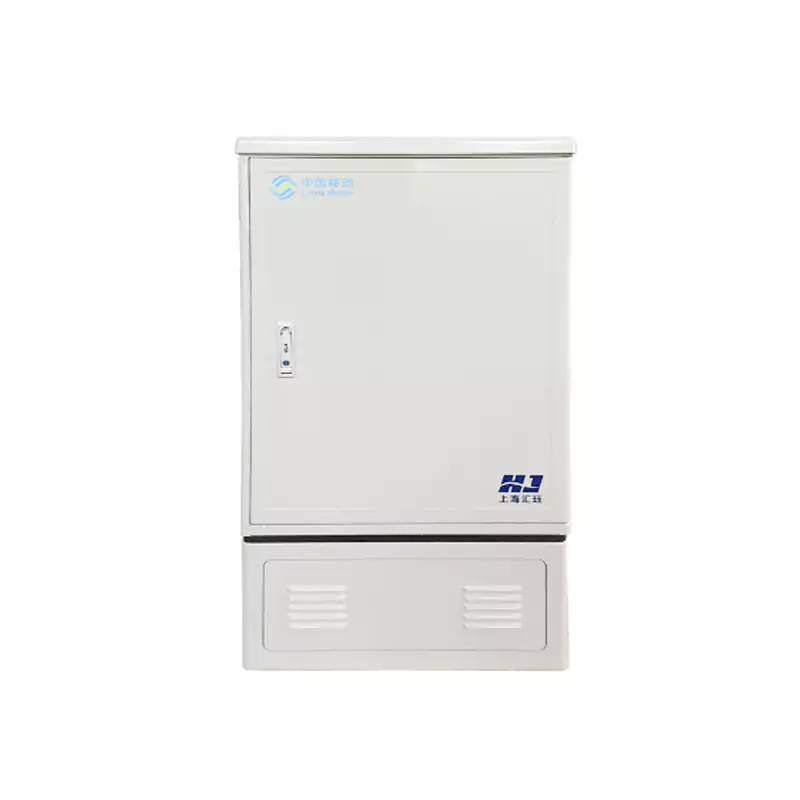
Central offices and equipment rooms
Organize high-capacity termination, cross-connection and patching with defined service access.
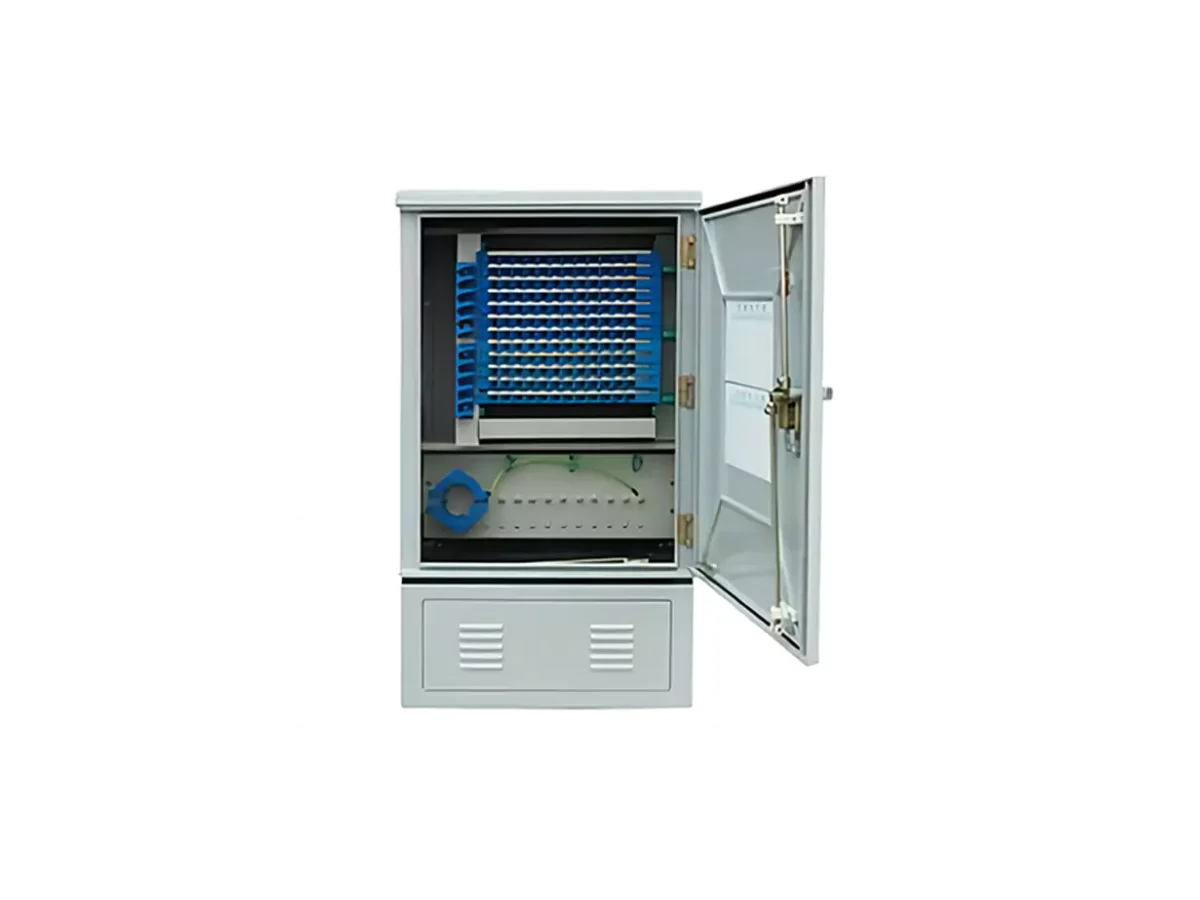
A project-specific smart cross-connect cabinet management system for electronic port records, guided field work, cabinet status and optical-route maintenance workflows.
The source describes dispatch/receipt of work orders, mobile collection and validation, and NB-IoT, Sigfox or LoRa communication choices. The platform uses browser/server architecture and remains project-configured.
The Smart Optical Cross-Connect Cabinet Management System links electronic port identification with browser-based resources and mobile field work. Route planning and electronic work orders connect cabinet maintenance to the wider asset-management process.
Survey radio availability at each location. Define cabinet inventory, permissions, GIS/OSS interfaces, locks/sensors and offline work before selecting field devices and software integration.
Huijue Group can review OEM field hardware, private-label interfaces and sample/drawing-based cabinet adaptation. Feasibility, tooling, radio/integration tests, quantities and delivery/support scope must be confirmed.
Provide cabinet/port inventory, network coverage, alarm and lock functions, permission rules and mobile work-order requirements.
| Platform architecture | Browser/server (B/S) |
|---|---|
| Operating temperature | -40°C to 80°C |
| Operating humidity | 0–97% RH |
| Operating voltage | 3.7 V |
| Communication | NB-IoT / Sigfox / LoRa |
| Battery service life | 2–3 years |
| System configuration | Project-specific |
Carrier cross-connect asset management, municipal fiber records and field route-verification workflows.
Published device conditions are −40°C to +80°C and 0–97% RH, with 3.7 V operation listed. Confirm actual battery and radio behavior for each deployment.
Buyer Questions
Answers specific to Smart Optical Cross-Connect Cabinet Management System selection, configuration and purchasing.
They are communication alternatives. Select coverage, network access and hardware for the deployment region.
Integration requires agreed interfaces, data model, authentication and responsibilities; the system name does not establish automatic compatibility.
Review reporting frequency, radio conditions, sensors and maintenance policy. A source battery-life example does not define every installed device's interval.
Specify required collection, guidance, validation and synchronization behavior, then confirm support in the agreed application scope.
Use the deployment context to narrow the configuration before comparing dimensions, capacities and options.
Organize high-capacity termination, cross-connection and patching with defined service access.
Place splitter, terminal and distribution boxes at the correct feeder-to-drop transition.
Protect branching and splicing around cable entries, sealing, tray capacity and mounting method.
Reserve fibers, ports and internal routing space for staged subscriber or backbone growth.
Before quotation: confirm capacity, interfaces, installation environment, power conditions, quantity and required options.