
Equipment rooms
Organize racks, pathways and service access around active network equipment.
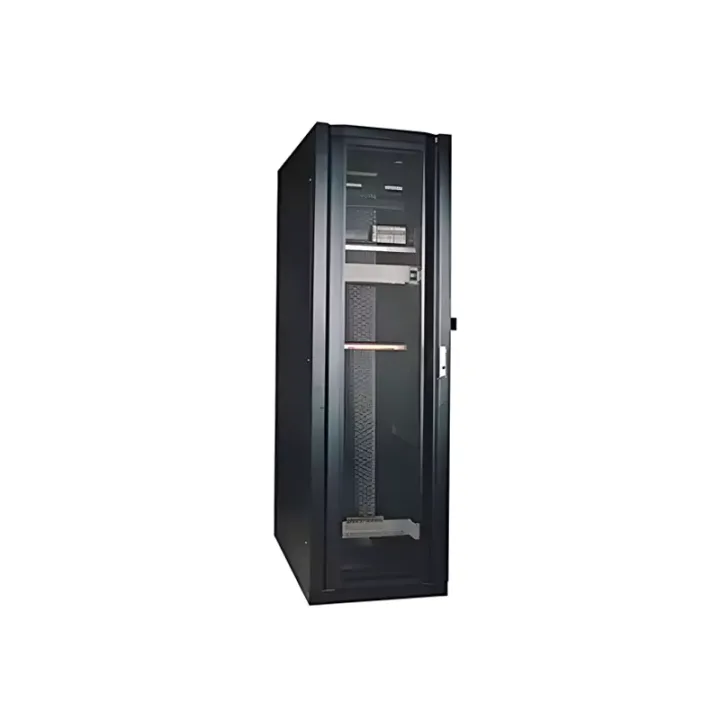
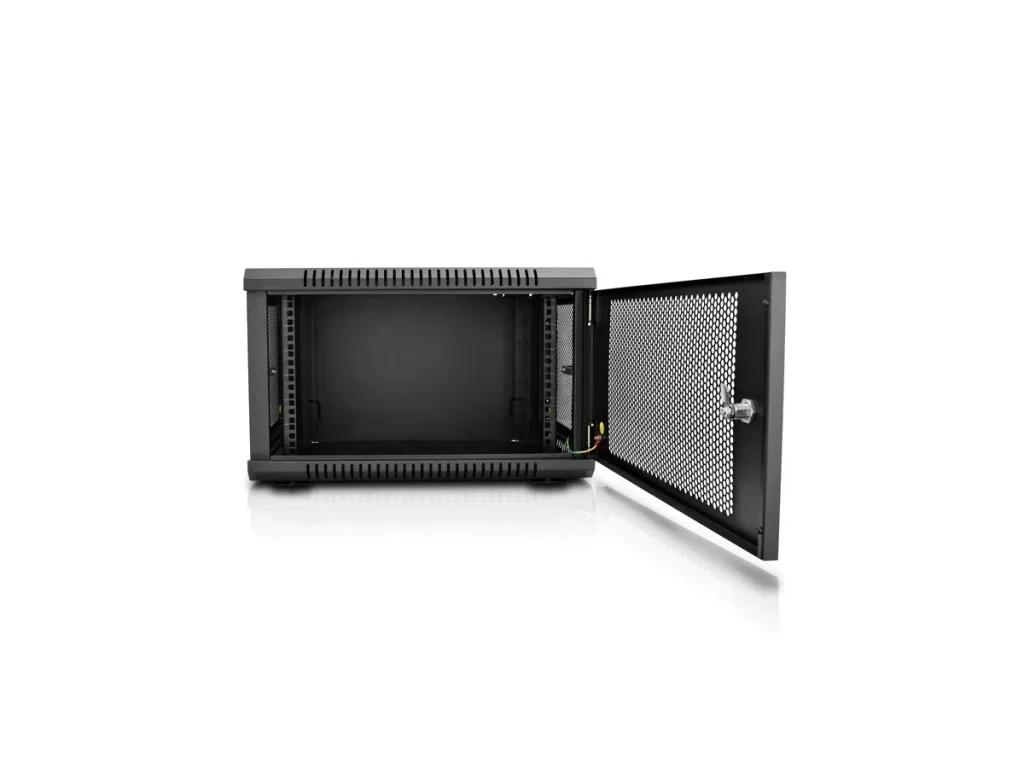
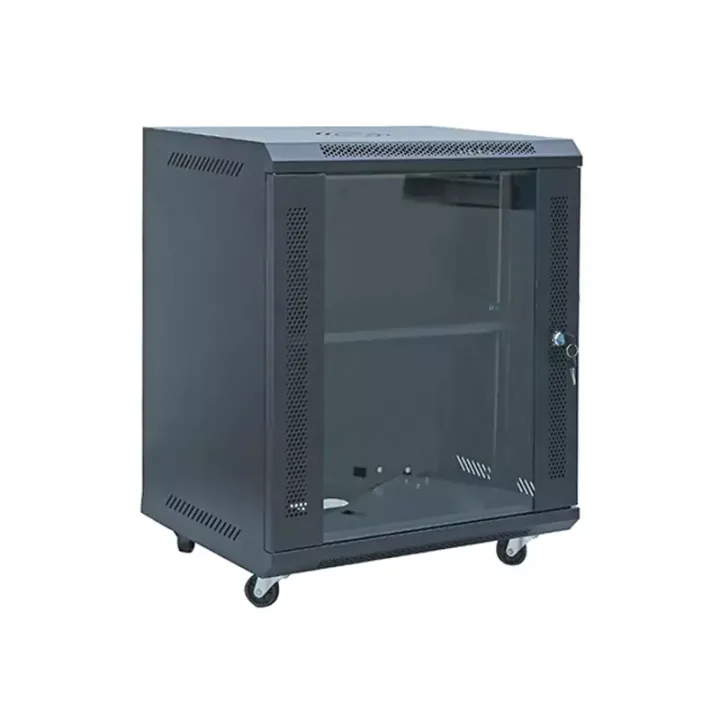
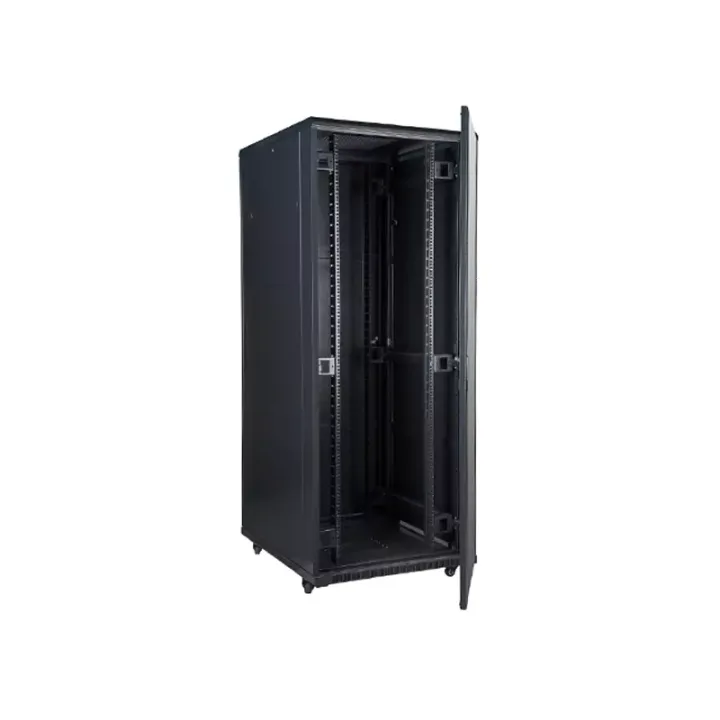
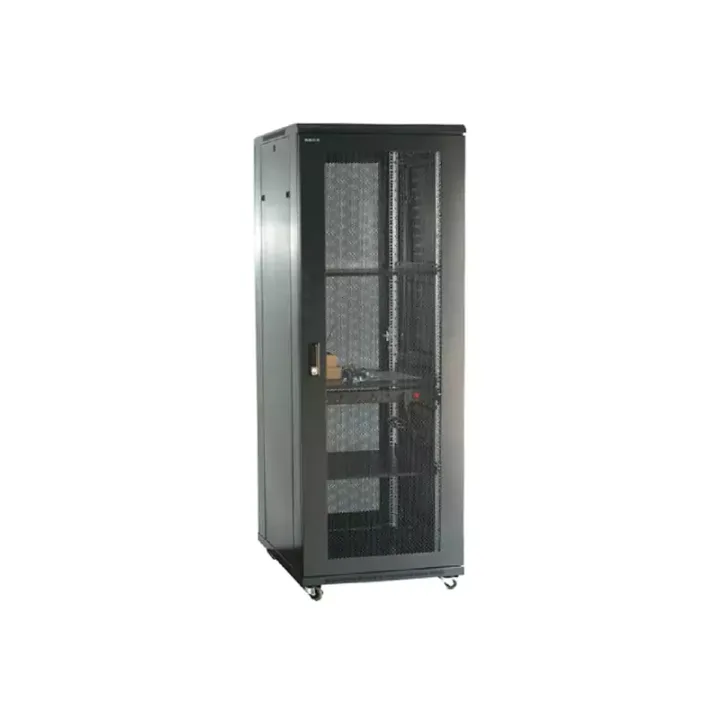
A steel network and server cabinet with ventilated mesh doors, removable side panels and floor-mounted support for mixed communications and IT equipment.
The Network Server Cabinet accommodates networking, server and storage devices in a shared enclosure. This is useful when a rack contains both switching equipment and deeper IT equipment, because the mounting layout, power routes and access needs can be assessed together.
The frame, front and rear doors and side panels define the enclosure. A complete installation still requires an equipment-specific plan for rail positions, power distribution and cable management, especially where different devices move air in different directions.
Prepare a rack elevation that identifies switches, servers, storage, shelves and spare positions. Check for collisions between server rails, rear PDUs and cable managers. The most demanding device depth and service operation should determine the usable-depth requirement.
For a branded network-server rack program, Huijue Group can assess identification, enclosure finish and accessory placement using drawings or a physical sample. OEM and private-label variations require engineering confirmation of structure, tooling, test requirements, order quantity and delivery scope.
Include the rack elevation, rail standard, equipment depths and weights, door access, power distribution positions, cable-entry plan and required mounting hardware.
| Operating Temperature | -5℃~55℃ |
|---|---|
| Storage Temperature | -20℃~+55℃ |
| Operating Relative Humidity | Not more than 80% (at +30°C) |
| Storage Relative Humidity | ≤90%~96%(40℃±2℃) |
| Atmospheric Pressure | 65~110kpa |
IP20 and an operating range of -5°C to 55°C are documented for the cabinet. Review the electronics' environmental limits and the available room airflow independently.
Buyer Questions
Answers specific to Network Server Cabinet selection, configuration and purchasing.
That is within the product's stated role. Check device depth, mounting hardware, airflow direction and power routing for the actual combination before finalizing the configuration.
Mesh doors provide an airflow path. Hot-spot control also requires suitable room cooling, equipment orientation, unused-space treatment and unobstructed cable routing.
Use the deployment context to narrow the configuration before comparing dimensions, capacities and options.
Organize racks, pathways and service access around active network equipment.
Coordinate cabinet capacity, cable routes, airflow and planned expansion.
Package network equipment within compact distributed infrastructure sites.
Add capacity while accounting for existing racks, routes and maintenance space.
Before quotation: confirm capacity, interfaces, installation environment, power conditions, quantity and required options.