
Direct answer
A smart optical cross-connect cabinet project should begin with the port and asset data model, not the display screen. Specify how feeder, distribution, splitter and patch relationships are recorded, how unauthorized or incomplete changes are flagged, and how field work orders close against physical evidence.
Within the broader Intelligent ODN Operations workflow, this article focuses on smart optical cross connect cabinet: connect cabinet hardware to auditable port and work-order management. Confirm cabinet and port count and the evidence for the offered product before final engineering approval.
Records and control points to establish first
Connect cabinet hardware to auditable port and work-order management. Start with the operating requirement and installation boundary, then separate system requirements from product claims so each supplier knows which evidence must accompany the offered configuration.
- Create a canonical feeder-to-distribution port model.
- Define alarm events and which require dispatch.
- Link work orders to technician, time and port evidence.
- Specify local operation during network or power loss.
Create a canonical feeder-to-distribution port model
Capture Cabinet and port count, then use Port inventory as a practical comparison point: Capacity and occupancy must be visible. Before approval, verify this point: Unique IDs and parent-child relationships.
Define alarm events and which require dispatch
Capture Feeder and distribution model, then use Change monitoring as a practical comparison point: Moves and connections need control. Before approval, verify this point: Detection method and false-alarm process.
Link work orders to technician, time and port evidence
Capture Alarm list, then use Work-order integration as a practical comparison point: Field tasks originate in another system. Before approval, verify this point: API, status mapping and closure evidence.
Specify local operation during network or power loss
Capture Work-order interface, then use Port inventory as a practical comparison point: Capacity and occupancy must be visible. Before approval, verify this point: Unique IDs and parent-child relationships.
An operations workflow that keeps field and digital records aligned
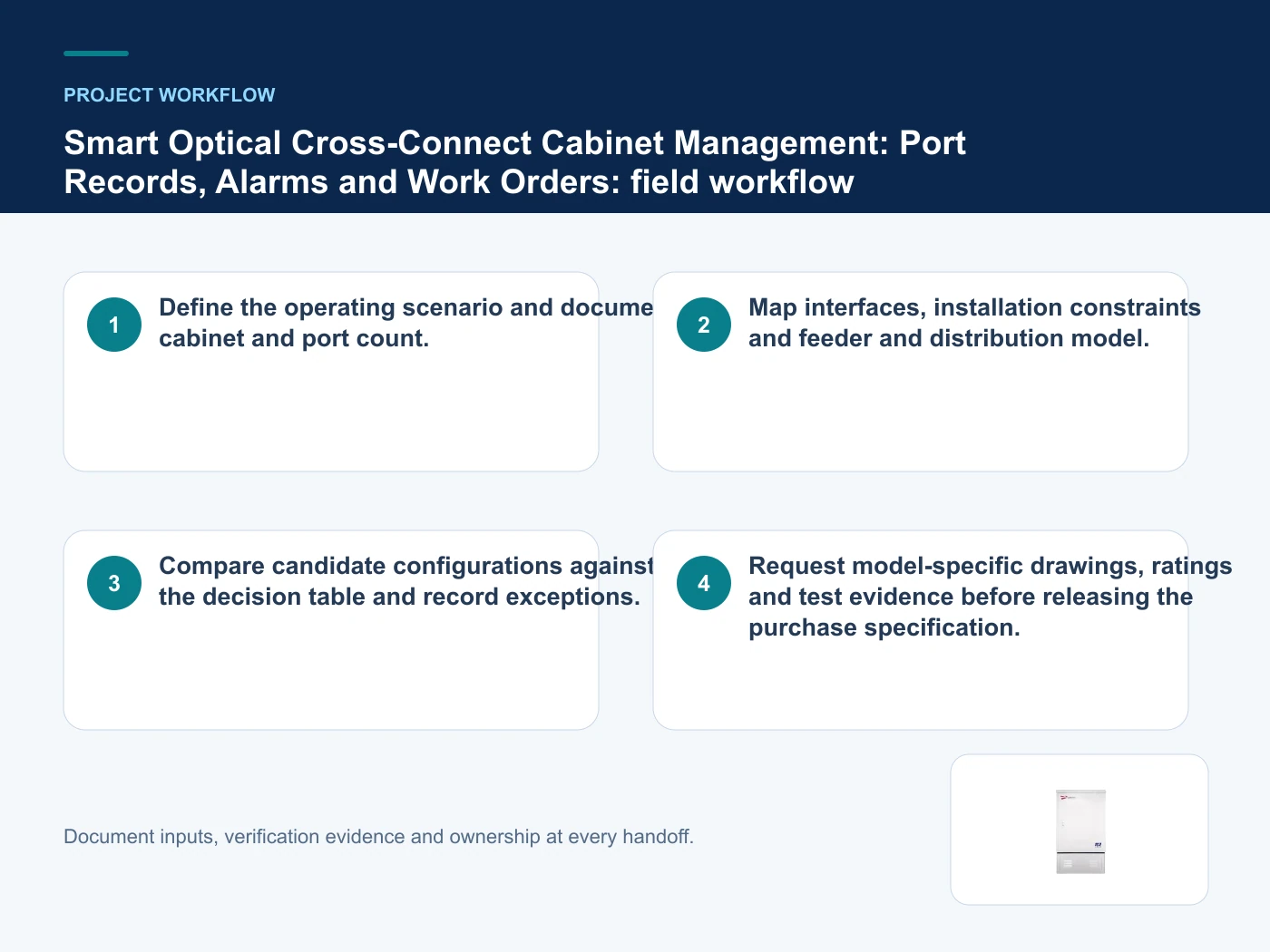
- Step 1: Define the operating scenario and document cabinet and port count. Record Cabinet and port count as an explicit input. Unique IDs and parent-child relationships.
- Step 2: Map interfaces, installation constraints and feeder and distribution model. Record Feeder and distribution model as an explicit input. Detection method and false-alarm process.
- Step 3: Compare candidate configurations against the decision table and record exceptions. Record Alarm list as an explicit input. API, status mapping and closure evidence.
- Step 4: Request model-specific drawings, ratings and test evidence before releasing the purchase specification. Record Work-order interface as an explicit input. Unique IDs and parent-child relationships.
Common mistakes to avoid
- Selecting from a catalogue image before cabinet and port count is fixed.
- Treating a category-page description as model-specific compliance evidence.
- Leaving audit retention undefined until after quotation.
Operating controls and evidence boundaries
This table connects ODN inventory, automated identification, optical cross-connect governance, ODF capacity and auditable change control to the decision on smart optical cross connect cabinet. It is a decision aid rather than a universal performance table: exact capacity, environmental class, electrical or optical limits and certifications must come from the selected model, applicable project documents and verifiable test evidence.
| Option or input | When it fits | What must be verified |
|---|---|---|
| Port inventory | Capacity and occupancy must be visible | Unique IDs and parent-child relationships |
| Change monitoring | Moves and connections need control | Detection method and false-alarm process |
| Work-order integration | Field tasks originate in another system | API, status mapping and closure evidence |
Reference point: ITU-T L.207: Passive node elements with automated ID tag detection and ITU-T L.250: Topologies for optical access networks frame the terminology or method used for this smart optical cross connect cabinet comparison. They do not approve a product configuration; apply the edition named by the contract and local authority.
Relevant products from our communications portfolio
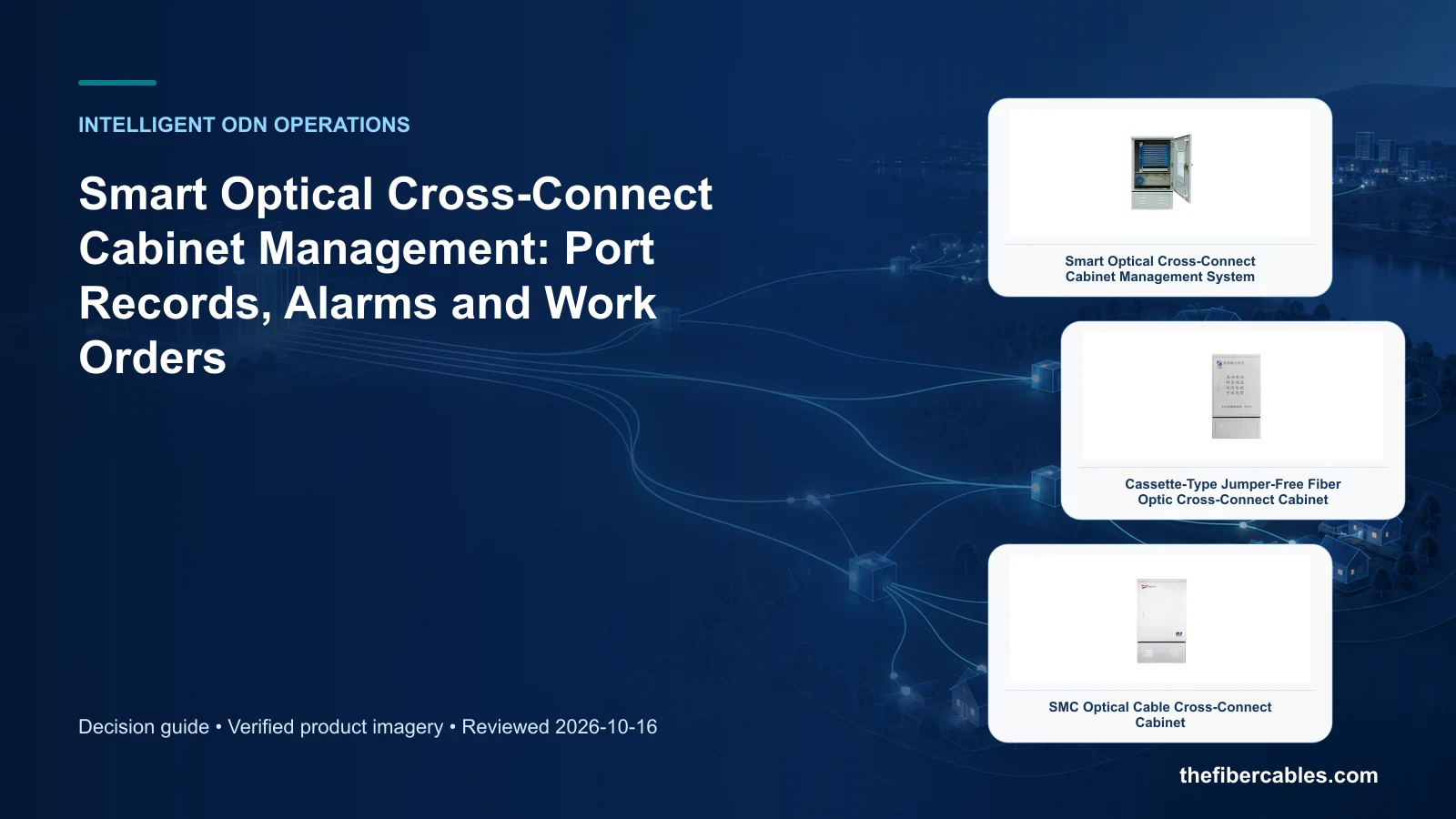
The products below connect the smart optical cross connect cabinet decision to real catalogue families and verified site photography. They are starting points, not a claim that every configuration described here is a standard stock item; confirm model, interface, rating, drawing and testing scope with the project team.
- Smart Optical Cross-Connect Cabinet Management System — use this product page as a configuration reference when you create a canonical feeder-to-distribution port model. Confirm the offered model, interfaces, drawings and available evidence before quotation.
- Cassette-Type Jumper-Free Fiber Optic Cross-Connect Cabinet — use this product page as a configuration reference when you define alarm events and which require dispatch. Confirm the offered model, interfaces, drawings and available evidence before quotation.
- SMC Optical Cable Cross-Connect Cabinet — use this product page as a configuration reference when you link work orders to technician, time and port evidence. Confirm the offered model, interfaces, drawings and available evidence before quotation.
For adjacent configurations, browse ODN & Fiber Distribution and compare those options against the smart optical cross connect cabinet inputs above, including cabinet and port count.
What to include in the RFQ or design input
For smart optical cross connect cabinet, a complete request reduces back-and-forth and prevents a catalogue image from being mistaken for a verified configuration. Record the following fields, identify which values are mandatory or provisional and attach route, interface or layout drawings where relevant.
- Cabinet and port count
- Feeder and distribution model
- Alarm list
- Work-order interface
- Offline operation
- Audit retention
Questions engineers and buyers ask
How should port inventory be evaluated for smart optical cross connect cabinet?
Use capacity and occupancy must be visible as the operating context, record cabinet and port count, and verify unique ids and parent-child relationships for the exact offered configuration.
Which project input can change the smart optical cross connect cabinet decision?
Create a canonical feeder-to-distribution port model. Recheck that decision when feeder and distribution model or alarm list changes.
Sources and standards
The references below define terminology, scope or test methods relevant to smart optical cross connect cabinet. They do not certify an offered product; confirm the edition adopted by the contract and destination authority.
- ITU-T L.207: Passive node elements with automated ID tag detection (03/2018; in force and reviewed 2026-10-16). Use it to verify the terminology and scope relevant to smart optical cross connect cabinet; the source does not certify a specific offered product.
- ITU-T L.250: Topologies for optical access networks (01/2024). Use it to verify the terminology and scope relevant to smart optical cross connect cabinet; the source does not certify a specific offered product.
- ITU-T L.202: Optical distribution frames (07/2010). Use it to verify the terminology and scope relevant to smart optical cross connect cabinet; the source does not certify a specific offered product.
Source review: Links and cited editions for smart optical cross connect cabinet were checked on 2026-10-16. Confirm the edition adopted by the project contract and the authority having jurisdiction.
Related guidance
Intelligent ODN (IODN): Automated Identification, Inventory and Maintenance Workflow • 24-, 48- or 72-Core ODF Unit: Working Fibres, Reserve and Patch Access • ODN As-Built Records: Feeder, Distribution, Drop and Splice Data Model
Prepare a smart optical cross connect cabinet configuration for review
Send cabinet and port count, feeder and distribution model, alarm list, work-order interface, quantity and delivery destination. Huijue Group can review the configuration boundary and identify the drawings or evidence needed for a factory quotation.
——END——