
Equipment rooms
Organize racks, pathways and service access around active network equipment.
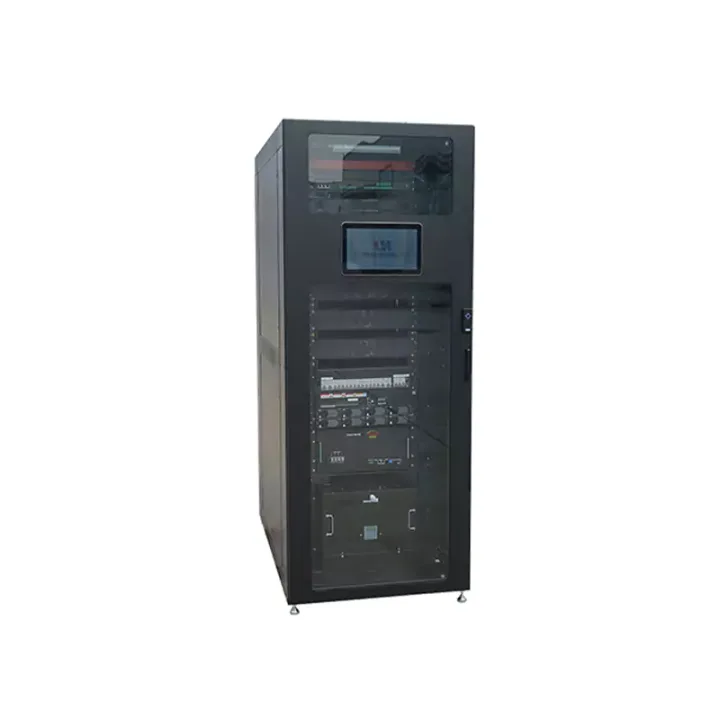
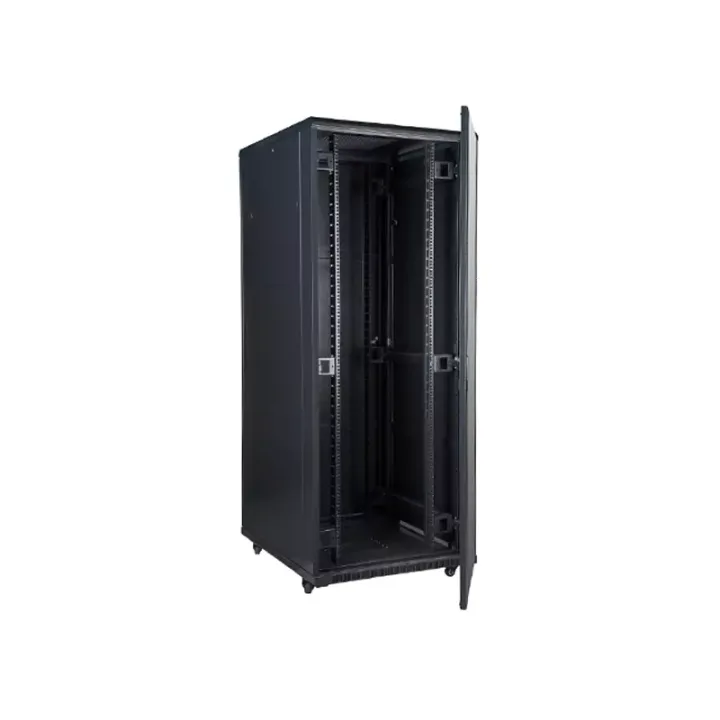
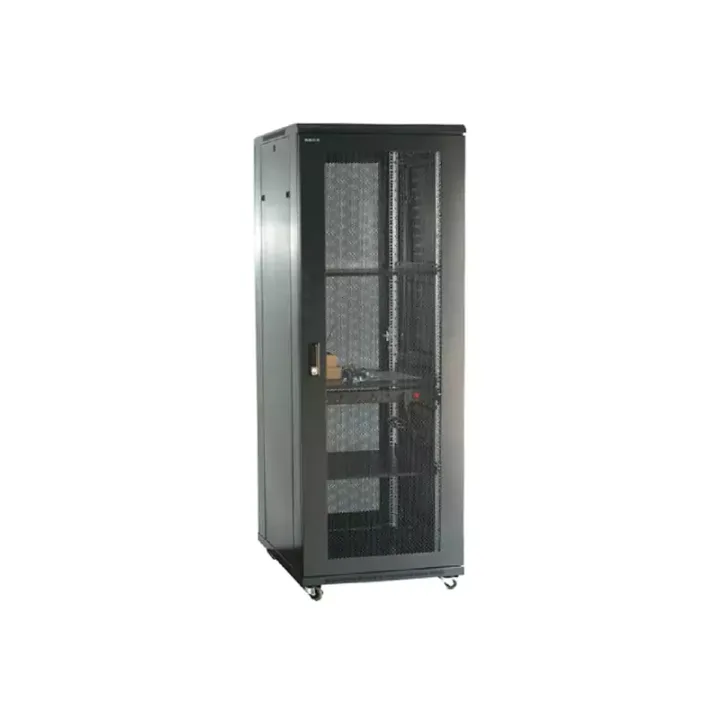
A front-service BBU cabinet with separate power, signal and fiber routes, plus vertical insertion frames that organize equipment airflow for centralized baseband installations.
The cabinet is listed at 2200 × 600 × 600 mm with 47U total capacity, two insertion-frame positions and an arrangement for ten BBUs. Its front and rear vertical cable-management paths separate power, signal and optical fiber.
The BBU Equipment Cabinet with Vertical Mounting Frames organizes baseband units whose original side-to-side airflow can be difficult to manage in a conventional rack. Its vertical insertion frames and air deflectors create an installation in which each BBU has a defined air path within the cabinet.
This mechanical approach is intended for concentrated BBU deployment in existing telecom and edge equipment rooms. Equipment fit depends on each BBU’s physical envelope, mounting points and air inlet direction, so a model-specific layout review is essential.
Match the insertion-frame variant to the actual units before applying the cabinet-level count. Confirm whether each BBU takes air from the left or right, required deflectors, blanking and cable reach. Select power distribution, fan control and optical termination accessories from an agreed equipment schedule.
As the manufacturer, Huijue Group can assess an OEM BBU frame, private-label identification or a sample-based or drawing-based duct arrangement. Physical fit, tooling, thermal verification, quantities and delivery scope require engineering confirmation.
Include BBU dimensional drawings, unit count, airflow direction, load and supply requirements, available room space, fiber capacity, fan-control preference and the desired front-service arrangement.
| Dimensions (W x H x D MM) | 482X 710.5X 400 |
|---|---|
| Material | Cold rolled steel sheets |
| Plate thickness | 1.5MM |
| surface treatment | Spray plastic |
| Installation | Rack mounting |
| Allow BBU air inlet mode | Left in and right out, right in and left out |
| Use cabinet width dimensions | 600 Width |
| Number of applicable BBUs | 5 sets |
| Standard configuration | Ground copper bar, air deflector, sealing panel, frame |
| Optional Configuration | Speed regulation fan control system, temperature control fan control system |
| J-net IM-CK02 BBU Vertical Insertion Frame Parameter Table | |
| Dimensions (W x H x D MM) | 482X 843X 400 |
| Material | Cold rolled steel sheets |
| Plate thickness | 1.5MM |
| surface treatment | Spray plastic |
| Installation | Rack mounting |
| Allow BBU air inlet mode | Left in and right out, right in and left out |
| Use cabinet width dimensions | 600 Width |
| Number of applicable BBUs | 4 pc.s |
| Standard configuration | Ground copper bar, air deflector, sealing panel, frame |
| Optional Configuration | Speed regulation fan control system, temperature control fan control system |
| J-net IM-FS01 Fan Module Parameter Table | |
| Dimensions (W x H x D MM) | 443X 150X 50 |
| Material | Cold rolled steel sheets |
| surface treatment | Spray plastic |
| Number of Fans | 3PCS |
| Specifications fans | -48V 12038 DC fan |
| Methods | Physical switch + fixed temperature control (on at 35°C) |
| J-net IM-FS02 Fan Module Parameter Table | |
| Dimensions (W x H x D MM) | 447X 280X 58 |
| Material | Cold rolled steel sheets |
| Plate thickness | 1.2MM |
| surface treatment | Spray plastic |
| Number of Fans | 3PCS |
| Specifications fans | -48V 12038 DC speed regulating fan |
| Methods | Physical Switch + Smart Fan Controller |
| Comprehensive Cabinet Parameters for J-net IM-RACK01 BBU | |
| Dimensions (W x H x D MM) | 2200X 600X 600 |
| Material | Cold rolled steel sheets |
| Plate thickness | Frame and load-bearing components 1.5, remaining 1.0 |
| surface treatment | Spray plastic |
| Installation | Floor-mounted installation |
| Total capacity | 47U |
| Route mode | Front and rear vertical wire management racks, three-wire separation |
| Number of BBU inserts that can be installed | 2 sets |
| Number of BBUs that can be installed | 10 |
| Air intake method | Front air intake |
| Optional Configuration | |
| PDU(power distribution unit) | 2 inputs, 20 outputs, total input 125A, branch output 32a |
| DCDU | Input voltage -48V, input current 120a, dual input, 10 * 30a branch output |
| FAN MODULE | 4-bit cabinet top fan module |
| Brush trimming rack | 19-inch mounting |
| Passive Wave Separation Frame | 19-inch mounting |
| ODF unit box | Optional 12-72 core |
| Blanking Plate | Optional 1U ~ 3U |
| Ground copper bar assembly | 19-inch mounting |
Plan the cabinet within the equipment room's ventilation and electrical design. Provide ambient conditions and BBU inlet-temperature requirements for cooling assessment.
Buyer Questions
Answers specific to BBU Equipment Cabinet with Vertical Mounting Frames selection, configuration and purchasing.
No. The source lists five-unit and four-unit frame arrangements with different heights. Select by the equipment layout and approved frame drawing.
The documented cabinet uses independent routing channels for power, signal and optical fiber. The final cable entry and transition points should be shown on the installation drawing.
The source includes fixed-temperature and controllable-speed fan modules. Confirm the fan module, -48 V supply, control method and temperature requirements for the BBU configuration.
Use the deployment context to narrow the configuration before comparing dimensions, capacities and options.
Organize racks, pathways and service access around active network equipment.
Coordinate cabinet capacity, cable routes, airflow and planned expansion.
Package network equipment within compact distributed infrastructure sites.
Add capacity while accounting for existing racks, routes and maintenance space.
Before quotation: confirm capacity, interfaces, installation environment, power conditions, quantity and required options.