
Direct answer
Wall, pole and floor mounting solve different site constraints and should not be selected from cabinet volume alone. Wall mounting can suit lighter equipment where the supporting structure, access height and cable approach are verified. Pole mounting reduces ground use but makes wind, eccentric load, lifting, technician access and cable strain important. Floor-standing cabinets support larger integrated loads and easier service but require a suitable base, anchoring, drainage and clear working space. For every method, check the complete configured mass, center of gravity, door swing, cooling airflow, cable bend and safe installation sequence. The cabinet supplier can provide mounting details, but the supporting wall, pole, foundation and local structural requirements remain project interfaces that need competent review.
Within the broader Cabinet Materials & Mechanical Design workflow, this article focuses on outdoor telecom cabinet mounting: choose a cabinet mounting method from equipment load, access, cable routing and site structure. Confirm configured cabinet mass and the evidence for the offered product before final engineering approval.
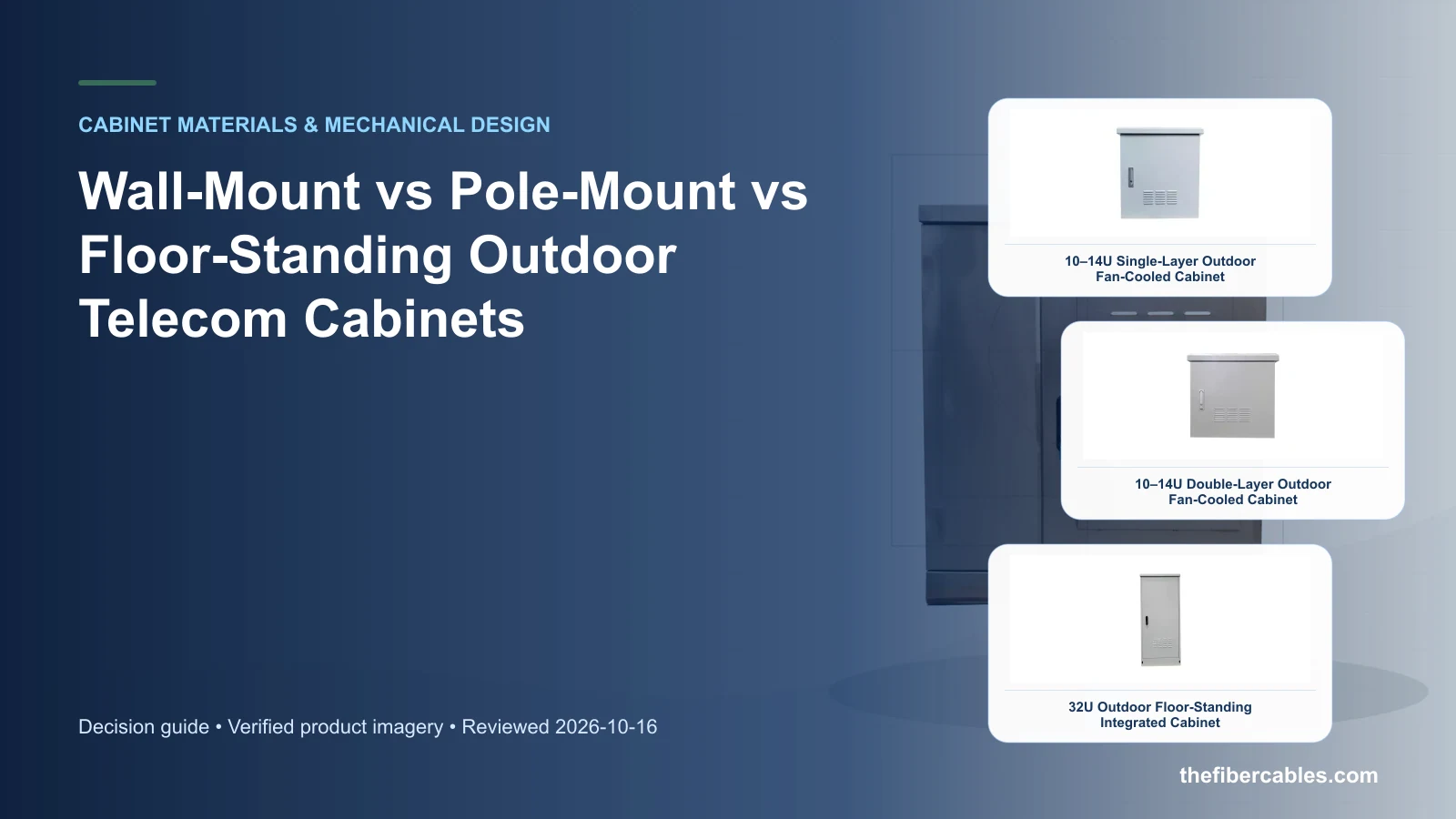
Decisions that separate the options
Choose a cabinet mounting method from equipment load, access, cable routing and site structure. Start with the operating requirement and installation boundary, then separate system requirements from product claims so each supplier knows which evidence must accompany the offered configuration.
- Select mounting from configured mass and service needs, not empty-cabinet weight.
- Verify the supporting structure independently from the enclosure supply.
- Protect cable routes from strain, water paths and excessive bending.
Select mounting from configured mass and service needs, not empty-cabinet weight
Capture Configured cabinet mass, then use Wall mount as a practical comparison point: Compact loads and verified wall support. Before approval, verify this point: Check height, anchors and rear cable access.
Verify the supporting structure independently from the enclosure supply
Capture Center of gravity, then use Pole mount as a practical comparison point: Limited ground area and lighter assemblies. Before approval, verify this point: Check wind, eccentric load and service platform.
Protect cable routes from strain, water paths and excessive bending
Capture Mounting surface or structure, then use Floor standing as a practical comparison point: Larger integrated equipment. Before approval, verify this point: Check base, drainage, anchoring and working space.
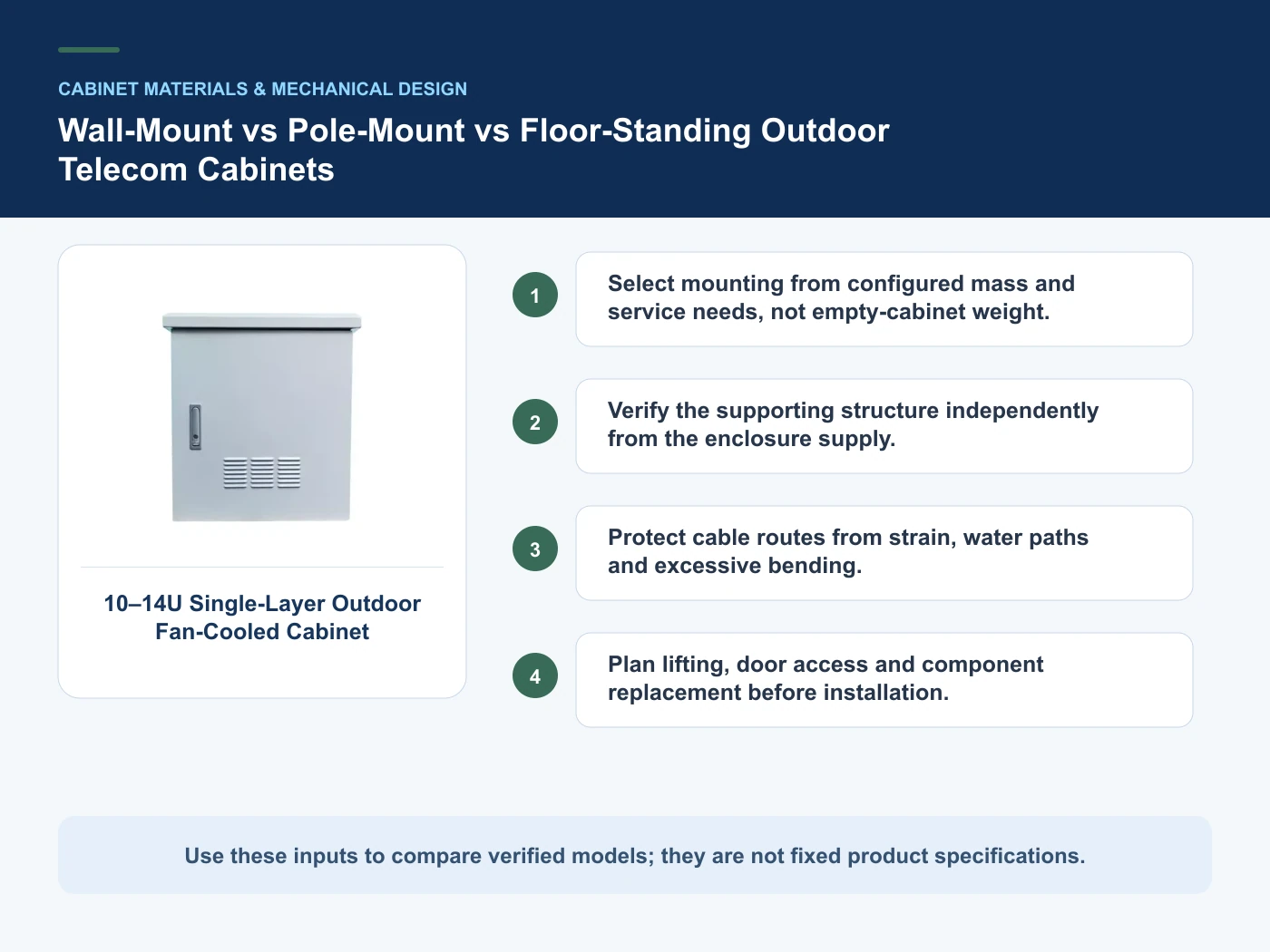
Where the options diverge
This table connects materials, wall construction, corrosion exposure, impact protection, rack geometry, access and mechanical serviceability to the decision on outdoor telecom cabinet mounting. It is a decision aid rather than a universal performance table: exact capacity, environmental class, electrical or optical limits and certifications must come from the selected model, applicable project documents and verifiable test evidence.
| Option or input | When it fits | What must be verified |
|---|---|---|
| Wall mount | Compact loads and verified wall support | Check height, anchors and rear cable access |
| Pole mount | Limited ground area and lighter assemblies | Check wind, eccentric load and service platform |
Reference point: IEC 62208:2023 — Empty enclosures for low-voltage switchgear and controlgear assemblies and ETSI EN 300 019-1-4: Environmental conditions and environmental tests for telecommunications equipment — stationary use at non-weatherprotected locations frame the terminology or method used for this outdoor telecom cabinet mounting comparison. They do not approve a product configuration; apply the edition named by the contract and local authority.
Relevant products from our communications portfolio
The products below connect the outdoor telecom cabinet mounting decision to real catalogue families and verified site photography. They are starting points, not a claim that every configuration described here is a standard stock item; confirm model, interface, rating, drawing and testing scope with the project team.
- 10–14U Single-Wall Fan-Cooled Outdoor Telecom Cabinet — use this product page as a configuration reference when you select mounting from configured mass and service needs, not empty-cabinet weight. Confirm the offered model, interfaces, drawings and available evidence before quotation.
- 10–14U Double-Wall Fan-Cooled Outdoor Telecom Cabinet — use this product page as a configuration reference when you verify the supporting structure independently from the enclosure supply. Confirm the offered model, interfaces, drawings and available evidence before quotation.
- 32U Outdoor Floor-Standing Integrated Cabinet — use this product page as a configuration reference when you protect cable routes from strain, water paths and excessive bending. Confirm the offered model, interfaces, drawings and available evidence before quotation.
For adjacent configurations, browse Outdoor Cabinets & Site Infrastructure and compare those options against the outdoor telecom cabinet mounting inputs above, including configured cabinet mass.
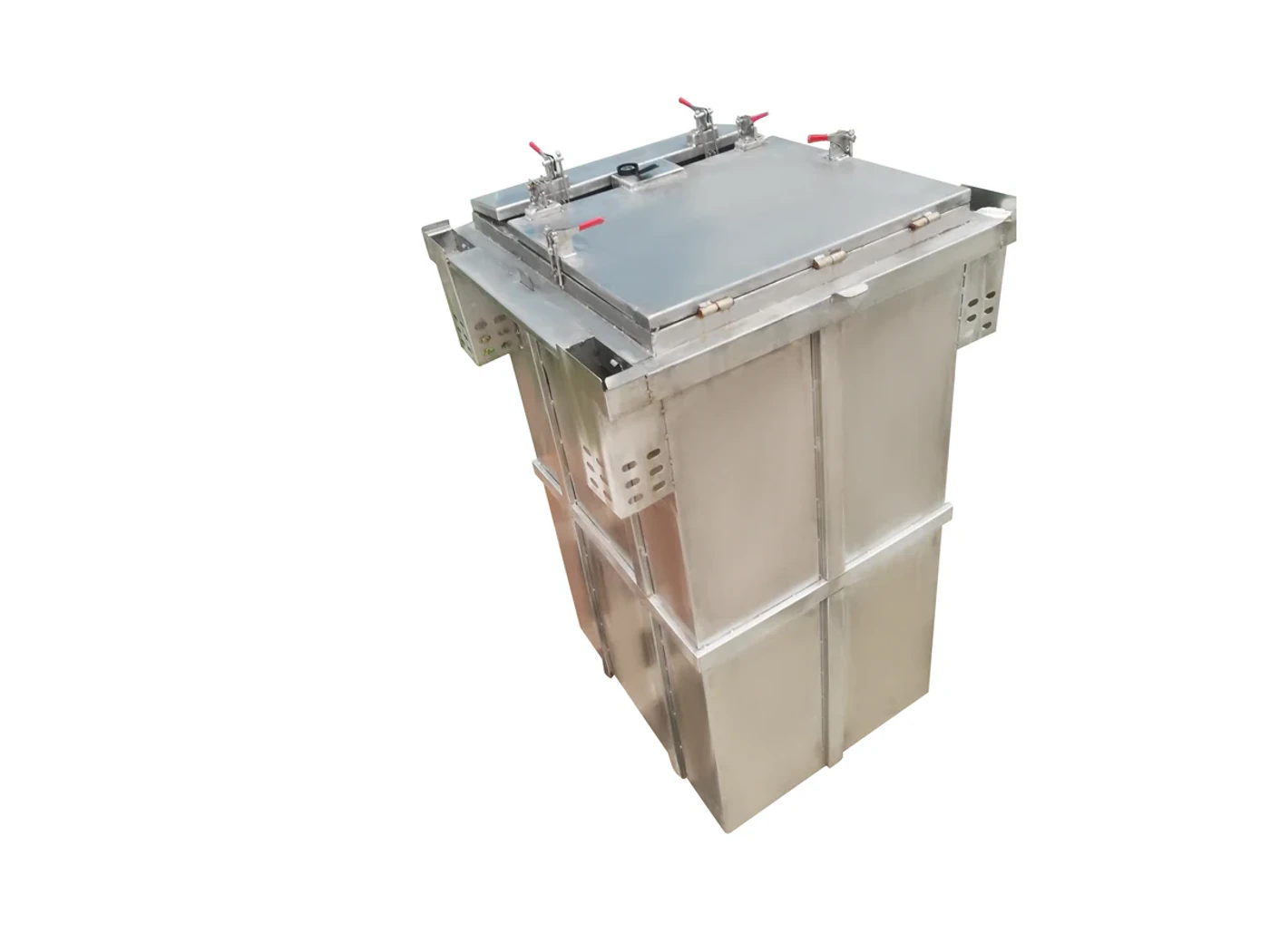
A comparison workflow that avoids label-based selection
- Step 1: Define equipment and configured mass. Record Configured cabinet mass as an explicit input. Check height, anchors and rear cable access.
- Step 2: Survey the mounting structure and access. Record Center of gravity as an explicit input. Check wind, eccentric load and service platform.
- Step 3: Coordinate cables, airflow and door swing. Record Mounting surface or structure as an explicit input. Check base, drainage, anchoring and working space.
Common mistakes to avoid
- Using empty-cabinet weight for structural review.
- Blocking airflow or doors with mounting hardware.
What to include in the RFQ or design input
For outdoor telecom cabinet mounting, a complete request reduces back-and-forth and prevents a catalogue image from being mistaken for a verified configuration. Record the following fields, identify which values are mandatory or provisional and attach route, interface or layout drawings where relevant.
- Configured cabinet mass
- Center of gravity
- Mounting surface or structure
- Anchor or bracket interface
- Door opening and work clearance
Questions engineers and buyers ask
How should wall mount be evaluated for outdoor telecom cabinet mounting?
Use compact loads and verified wall support as the operating context, record configured cabinet mass, and verify check height, anchors and rear cable access for the exact offered configuration.
Sources and standards
These sources support the method and vocabulary used in this guide. They are not a substitute for project requirements or evidence tied to the exact outdoor telecom cabinet mounting configuration.
- IEC 62208:2023 — Empty enclosures for low-voltage switchgear and controlgear assemblies (2023, Ed. 3). Use it to verify the terminology and scope relevant to outdoor telecom cabinet mounting; the source does not certify a specific offered product.
- ETSI EN 300 019-1-4: Environmental conditions and environmental tests for telecommunications equipment — stationary use at non-weatherprotected locations (V3.1.1, 2026). Use it to verify the terminology and scope relevant to outdoor telecom cabinet mounting; the source does not certify a specific offered product.
- IEC 60721-3-4: Classification of environmental conditions — stationary use at non-weatherprotected locations (2019, Ed. 3). Use it to verify the terminology and scope relevant to outdoor telecom cabinet mounting; the source does not certify a specific offered product.
Source review: Links and cited editions for outdoor telecom cabinet mounting were checked on 2026-10-16. Confirm the edition adopted by the project contract and the authority having jurisdiction.
Related guidance
19-Inch Outdoor Rack Cabinet Sizing: U Space, Depth, Rail Position and Service Clearance • IP65 vs NEMA 4X for Telecom Enclosures: What Each Rating Does and Does Not Prove • Single-Wall vs Double-Wall Outdoor Cabinets: Structure, Solar Load and Condensation Boundaries
Prepare a outdoor telecom cabinet mounting configuration for review
For a project review, provide configured cabinet mass, center of gravity, mounting surface or structure, anchor or bracket interface. The response can separate standard options, customization points and information still required before quotation.
——END——