
Equipment rooms
Organize racks, pathways and service access around active network equipment.
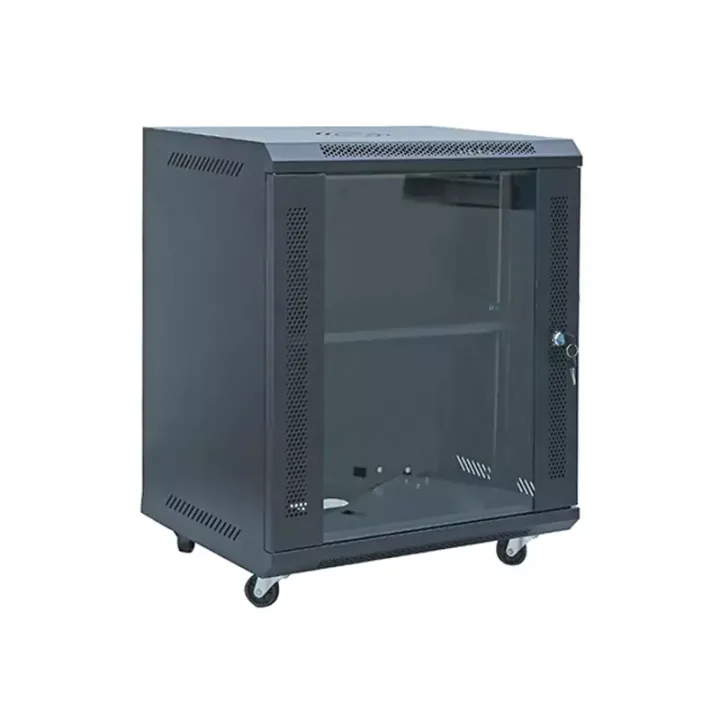
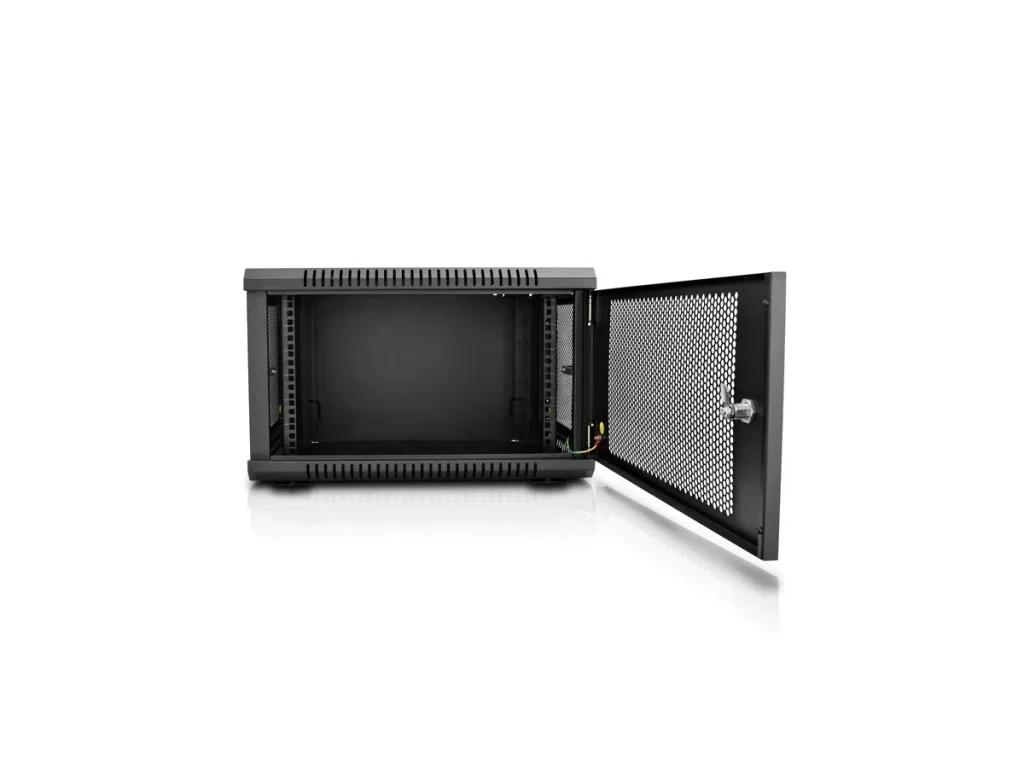
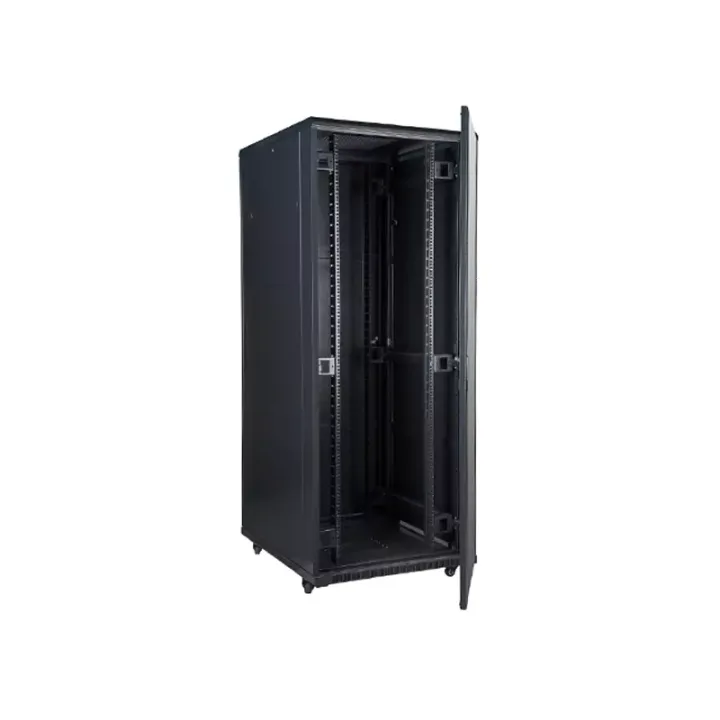
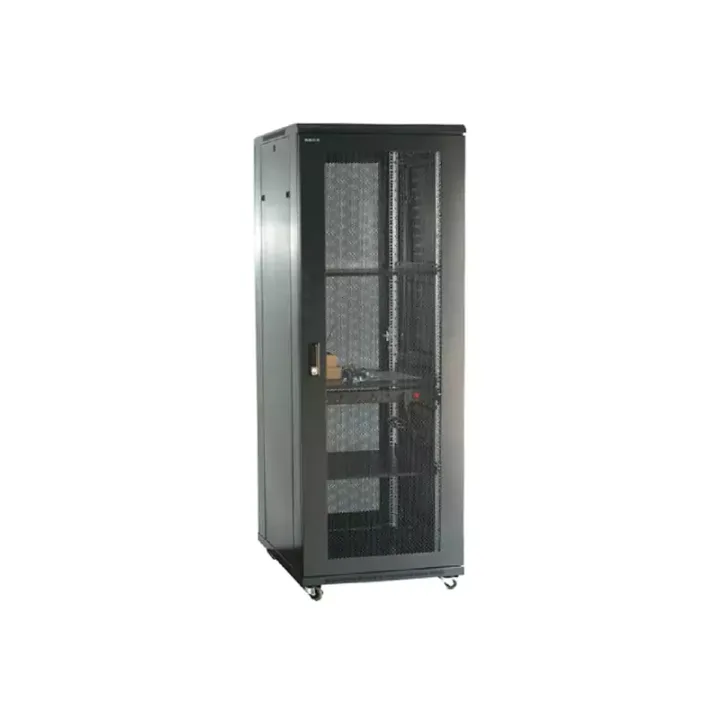
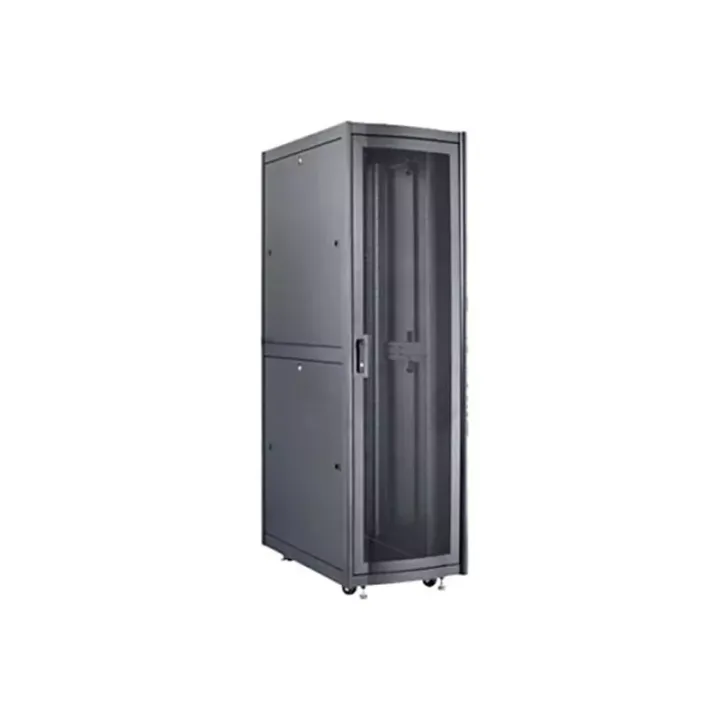
A steel network cabinet with wall or floor mounting, upper and lower cable routes, and modular doors for communications-room equipment installations.
The Network Cabinet provides a defined mounting position for modems, communications instruments, small network devices and their accessories. It can be arranged individually or in equipment-room rows, bringing cable entry and access planning into the same enclosure.
This range includes wall-mounted and floor-mounted arrangements. Those choices affect the supporting structure and service clearance, so the cabinet should be specified around the actual equipment schedule rather than selected by external height alone.
Measure device depth including connectors, reserve cable-bend space and check the required rail format. For wall mounting, provide the wall construction and loaded cabinet weight. For floor installation, review the footprint, door swing and access to cable entries.
Huijue Group manufactures communications infrastructure and can review OEM or private-label network cabinets against a sample or dimensioned drawing. Door construction, finish and mounting changes need engineering confirmation, including tooling, testing, quantity and delivery scope.
Send mounting method, equipment sizes and weights, required rail width, cable-entry directions, front-door preference and accessory quantities. Include the installation drawing when the cabinet must fit an existing room layout.
| Operating Temperature | -5℃~55℃ |
|---|---|
| Storage Temperature | -20℃~+55℃ |
| Operating Relative Humidity | Not more than 80% (at +30°C) |
| Storage Relative Humidity | ≤90%~96%(40℃±2℃) |
| Atmospheric Pressure | 65~110kpa |
The source lists IP20 protection, an operating range of -5°C to 55°C and operating humidity no greater than 80% at 30°C. Check these enclosure conditions against the more restrictive limits of the installed electronics.
Buyer Questions
Answers specific to Network Cabinet selection, configuration and purchasing.
The documented static-load range for this Network Cabinet is 60–100 kg. Select the exact version and mounting arrangement before using that range in a project calculation.
Wall and floor mounting are described. The wall structure, fixings, loaded weight and available working clearance still require review for the installation.
The source identifies 19-inch and 21-inch installation arrangements. Provide the equipment mounting dimensions so the quotation specifies the correct rails.
Use the deployment context to narrow the configuration before comparing dimensions, capacities and options.
Organize racks, pathways and service access around active network equipment.
Coordinate cabinet capacity, cable routes, airflow and planned expansion.
Package network equipment within compact distributed infrastructure sites.
Add capacity while accounting for existing racks, routes and maintenance space.
Before quotation: confirm capacity, interfaces, installation environment, power conditions, quantity and required options.