
Direct answer
A custom outdoor telecom cabinet should be specified from the installed equipment and site boundary, not from an enclosure size alone. Begin with the equipment schedule, usable rack space, heat dissipation, power and battery interfaces, cable entry, mounting method and maintenance access. Then define the exposure conditions, material, compartment separation, thermal method, monitoring, grounding and required documentation. The manufacturer should turn those inputs into a general-arrangement drawing, internal layout, interface schedule and controlled bill of materials for approval. Protection or environmental claims still require evidence for the offered construction; they cannot be inferred from a similar cabinet. A complete design-input package reduces redesign, unclear options and quotation gaps while keeping project-specific choices visible.
This pillar guide connects requirements capture, DFM, factory capability, quotation normalization, configuration control and FAT evidence for custom outdoor cabinets. Use it to define project inputs before narrowing to a product family.
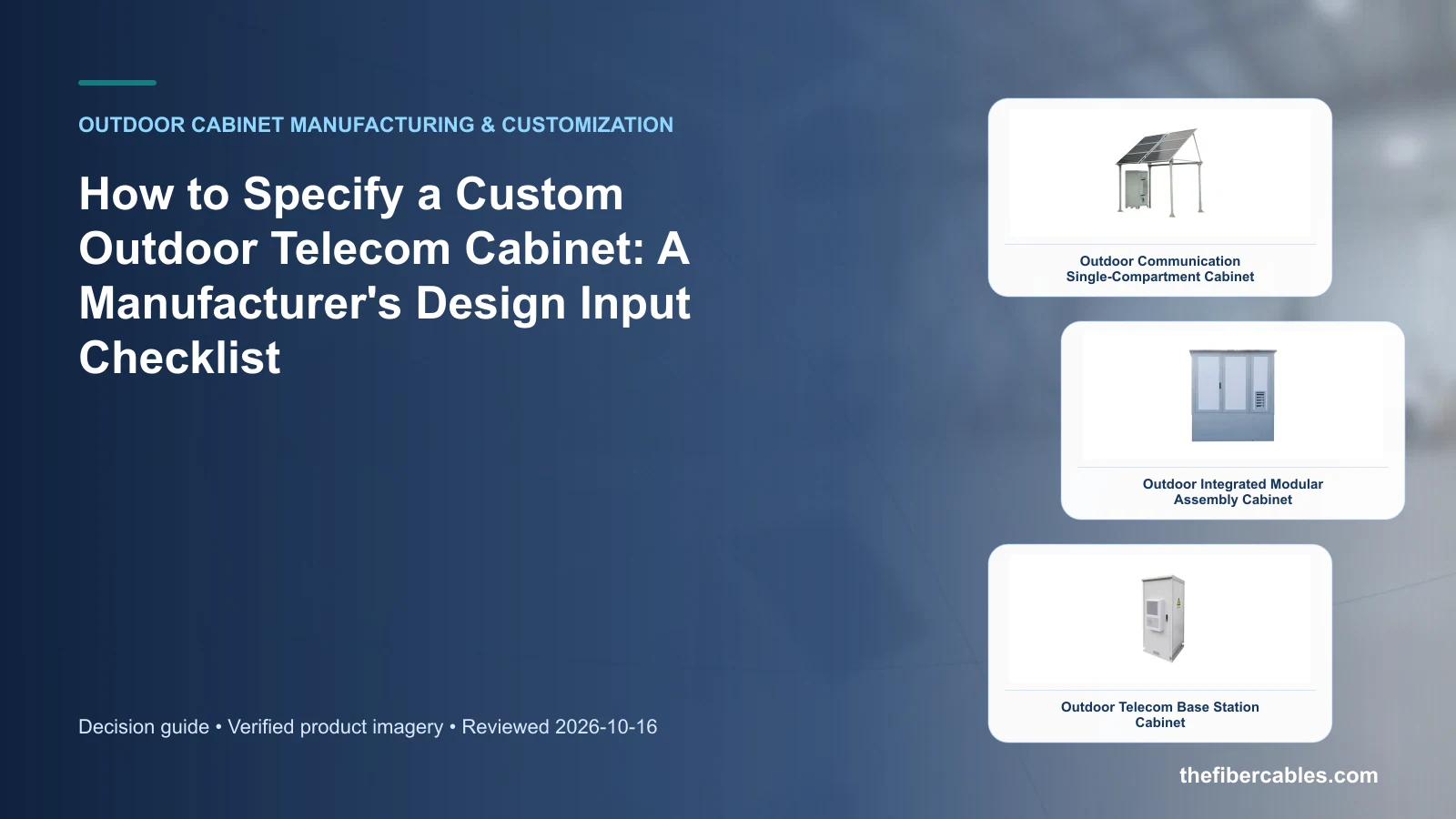
Inputs that make a custom-cabinet RFQ buildable
Prepare complete engineering inputs for a manufacturer to configure and quote a custom outdoor telecom cabinet. Start with the operating requirement and installation boundary, then separate system requirements from product claims so each supplier knows which evidence must accompany the offered configuration.
- Freeze the equipment and interface schedule before selecting enclosure dimensions.
- Separate mandatory performance from optional accessories and future capacity.
- Require an approved layout and bill of materials for the offered configuration.
- Tie every environmental claim to evidence for the complete, configured cabinet.
Freeze the equipment and interface schedule before selecting enclosure dimensions
Capture Equipment list and dimensions, then use Equipment boundary as a practical comparison point: Rack units, depth, mass and heat loss. Before approval, verify this point: Drives internal layout and service clearance.
Separate mandatory performance from optional accessories and future capacity
Capture Required rack units and usable depth, then use Site boundary as a practical comparison point: Climate, mounting, cable approach and security. Before approval, verify this point: Drives construction and environmental options.
Require an approved layout and bill of materials for the offered configuration
Capture Continuous and peak heat dissipation, then use Delivery boundary as a practical comparison point: Drawings, FAT records and supplied accessories. Before approval, verify this point: Prevents scope gaps at shipment.
Tie every environmental claim to evidence for the complete, configured cabinet
Capture Power, battery and monitoring interfaces, then use Equipment boundary as a practical comparison point: Rack units, depth, mass and heat loss. Before approval, verify this point: Drives internal layout and service clearance.
From project input to manufacturer decision
This table connects requirements capture, DFM, factory capability, quotation normalization, configuration control and FAT evidence for custom outdoor cabinets to the decision on custom outdoor telecom cabinet. It is a decision aid rather than a universal performance table: exact capacity, environmental class, electrical or optical limits and certifications must come from the selected model, applicable project documents and verifiable test evidence.
| Option or input | When it fits | What must be verified |
|---|---|---|
| Equipment boundary | Rack units, depth, mass and heat loss | Drives internal layout and service clearance |
| Site boundary | Climate, mounting, cable approach and security | Drives construction and environmental options |
| Delivery boundary | Drawings, FAT records and supplied accessories | Prevents scope gaps at shipment |
Reference point: IEC 62208:2023 — Empty enclosures for low-voltage switchgear and controlgear assemblies and IEC 60529: Degrees of protection provided by enclosures (IP Code) frame the terminology or method used for this custom outdoor telecom cabinet comparison. They do not approve a product configuration; apply the edition named by the contract and local authority.
Start with the installed equipment, not a cabinet outline
List every rack-mounted, shelf-mounted and panel-mounted item together with mass, depth, cable bend space, service direction and heat dissipation. This exposes the usable-space requirement and prevents an external cabinet dimension from being mistaken for a workable internal layout.
Treat future capacity as a named option. Spare rack units, reserved power ways and blank thermal load should be visible in the approved schedule so the factory can separate current production scope from later expansion assumptions.
Convert site exposure into controlled construction choices
Ambient range, solar exposure, airborne contamination, corrosion, mounting, cable approach and technician access affect walls, doors, seals, finish, thermal method and the base. State the exposure boundary and required evidence instead of copying a protection label from another project.
The manufacturer should return a general-arrangement drawing, internal layout and interface schedule that show how those choices work together. Review cable entries, grounding, lifting and replacement paths before approving fabrication.
Freeze a quotation and production baseline
A comparable quotation identifies the cabinet construction, integrated components, accessories, drawings, inspection records, packing and exclusions. Once accepted, the drawing set and bill of materials form the production baseline.
Later changes need an impact review covering layout, thermal behavior, environmental boundaries, verification, cost and delivery. This keeps customization auditable without presenting every project variant as a standard catalogue model.
Design review, approval and controlled production
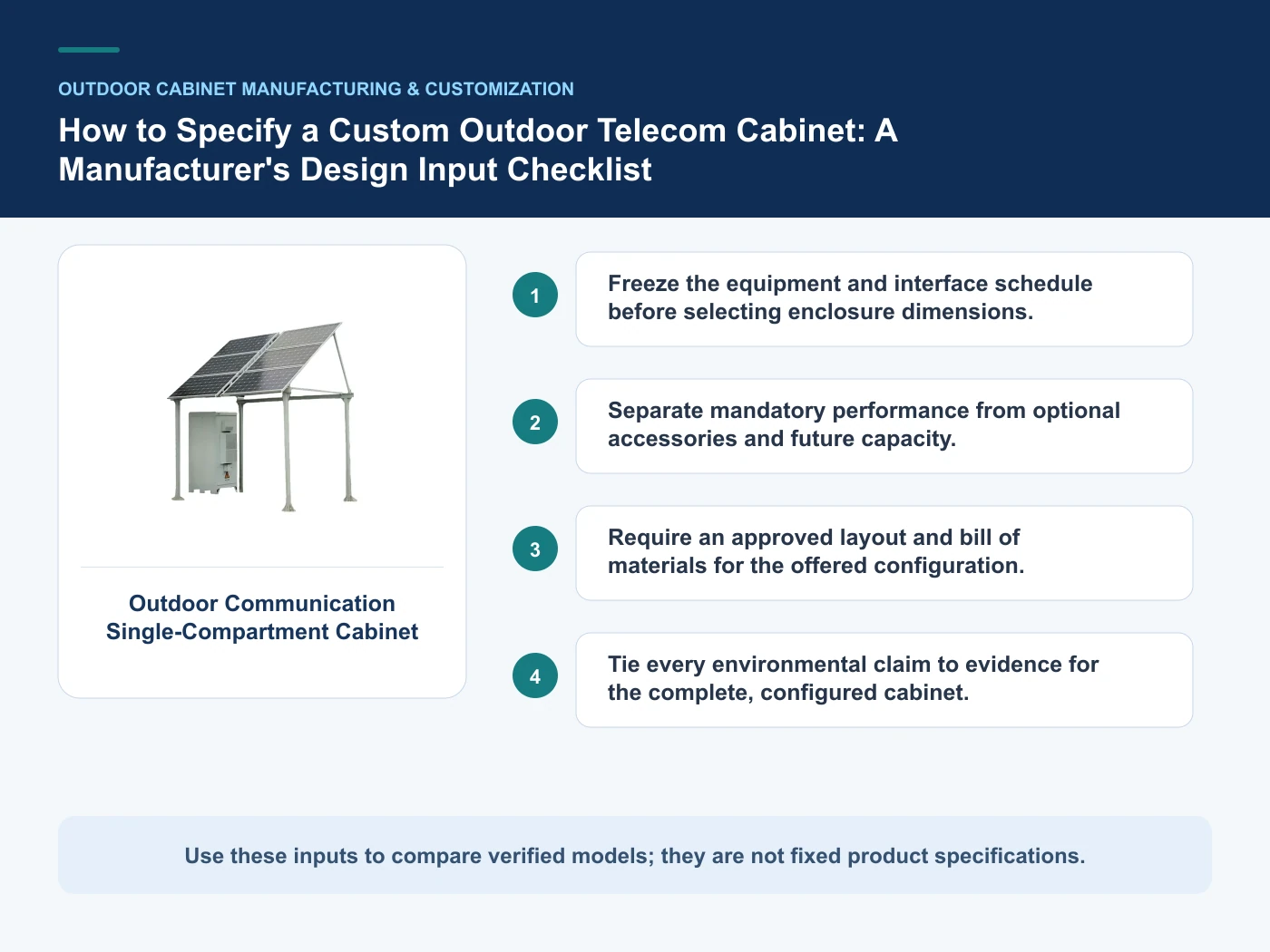
- Step 1: Create the equipment and interface schedule. Record Equipment list and dimensions as an explicit input. Drives internal layout and service clearance.
- Step 2: Map site exposure, access and mounting constraints. Record Required rack units and usable depth as an explicit input. Drives construction and environmental options.
- Step 3: Review the manufacturer’s layout and configuration choices. Record Continuous and peak heat dissipation as an explicit input. Prevents scope gaps at shipment.
- Step 4: Approve drawings, evidence and FAT scope before production. Record Power, battery and monitoring interfaces as an explicit input. Drives internal layout and service clearance.
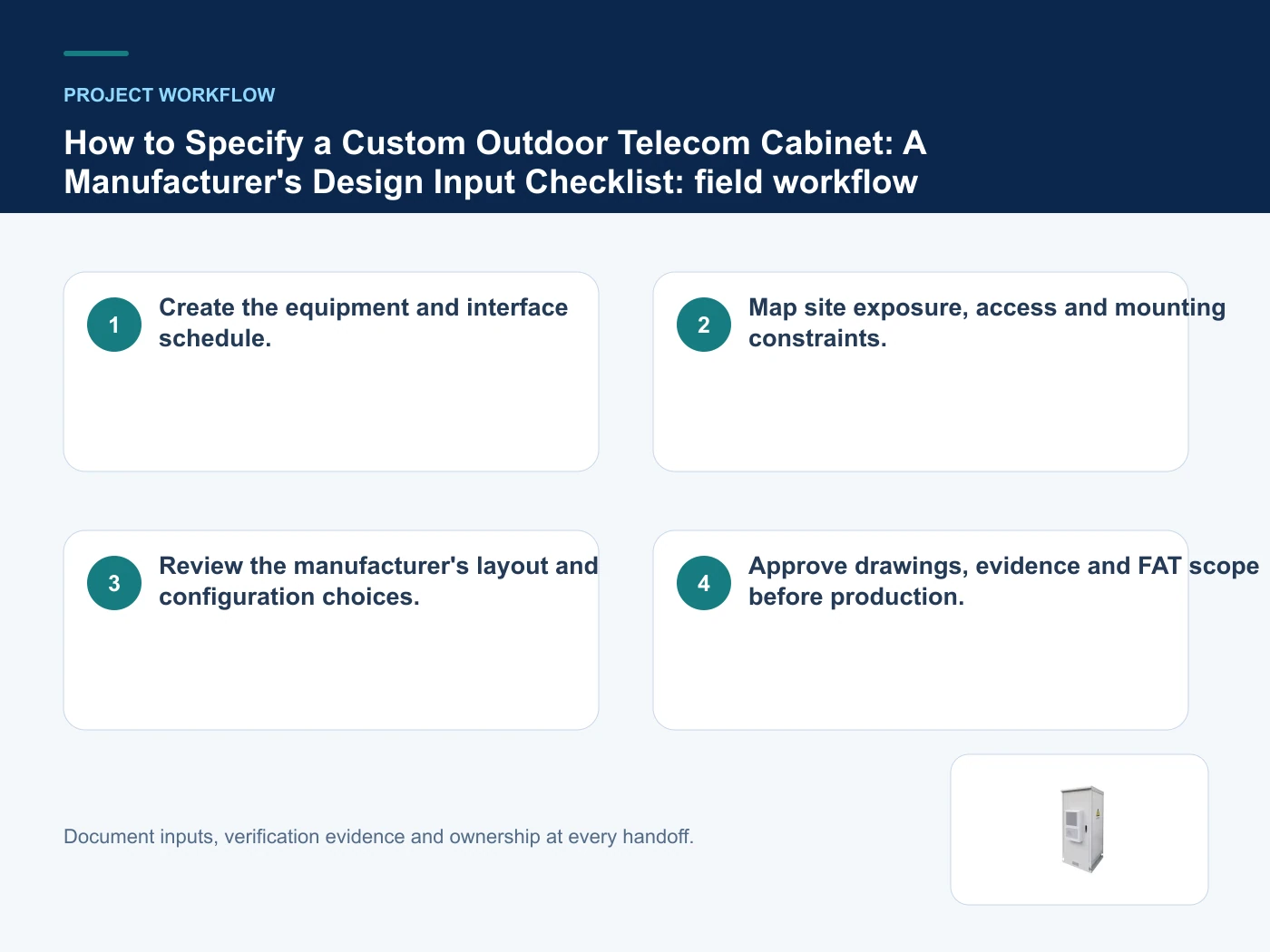
Relevant products from our communications portfolio
The products below connect the custom outdoor telecom cabinet decision to real catalogue families and verified site photography. They are starting points, not a claim that every configuration described here is a standard stock item; confirm model, interface, rating, drawing and testing scope with the project team.
- Outdoor Communication Single-Compartment Cabinet — use this product page as a configuration reference when you freeze the equipment and interface schedule before selecting enclosure dimensions. Confirm the offered model, interfaces, drawings and available evidence before quotation.
- Outdoor Integrated Modular Assembly Cabinet — use this product page as a configuration reference when you separate mandatory performance from optional accessories and future capacity. Confirm the offered model, interfaces, drawings and available evidence before quotation.
- Outdoor Telecom Base Station Cabinet — use this product page as a configuration reference when you require an approved layout and bill of materials for the offered configuration. Confirm the offered model, interfaces, drawings and available evidence before quotation.
For adjacent configurations, browse Outdoor Cabinets & Site Infrastructure and compare those options against the custom outdoor telecom cabinet inputs above, including equipment list and dimensions.
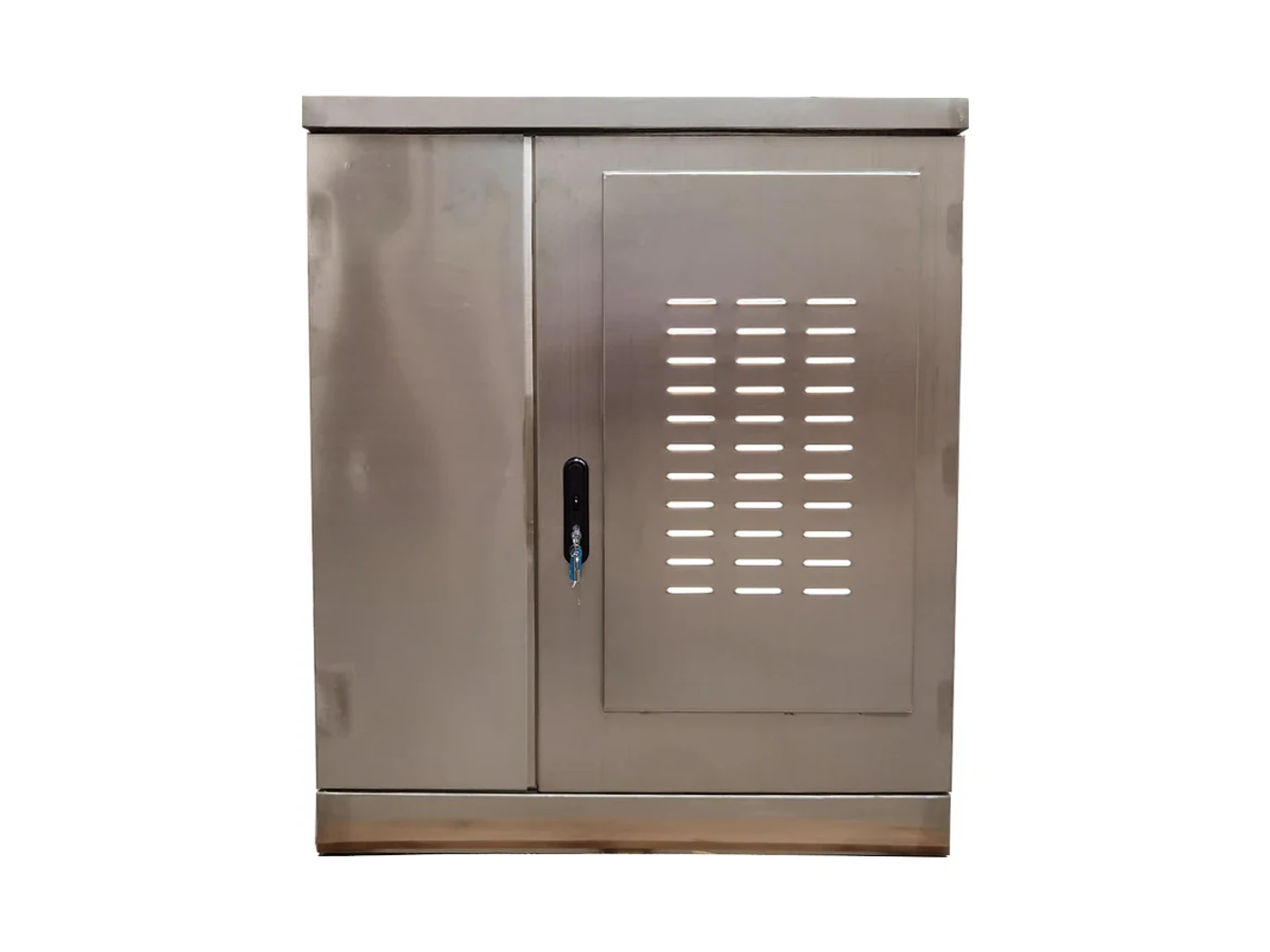
Common mistakes to avoid
- Choosing external dimensions before checking usable internal space.
- Using an IP label as a substitute for a complete interface review.
- Leaving accessories and documentation outside the approved bill of materials.
What to include in the RFQ or design input
For custom outdoor telecom cabinet, a complete request reduces back-and-forth and prevents a catalogue image from being mistaken for a verified configuration. Record the following fields, identify which values are mandatory or provisional and attach route, interface or layout drawings where relevant.
- Equipment list and dimensions
- Required rack units and usable depth
- Continuous and peak heat dissipation
- Power, battery and monitoring interfaces
- Cable-entry direction and cable schedule
- Installation location and mounting method
Questions engineers and buyers ask
How should equipment boundary be evaluated for custom outdoor telecom cabinet?
Use rack units, depth, mass and heat loss as the operating context, record equipment list and dimensions, and verify drives internal layout and service clearance for the exact offered configuration.
Which project input can change the custom outdoor telecom cabinet decision?
Freeze the equipment and interface schedule before selecting enclosure dimensions. Recheck that decision when required rack units and usable depth or continuous and peak heat dissipation changes.
Sources and standards
Use these primary references to check the engineering boundary for custom outdoor telecom cabinet. Product compliance still requires model-specific drawings, declarations and test evidence for the configured system.
- IEC 62208:2023 — Empty enclosures for low-voltage switchgear and controlgear assemblies (2023, Ed. 3). Use it to verify the terminology and scope relevant to custom outdoor telecom cabinet; the source does not certify a specific offered product.
- IEC 60529: Degrees of protection provided by enclosures (IP Code) (Ed. 2.2, consolidated version; reviewed 2026-10-16). Use it to verify the terminology and scope relevant to custom outdoor telecom cabinet; the source does not certify a specific offered product.
- ETSI ETS 300 119-2: Engineering requirements for racks and cabinets (Ed.1, reviewed 2026-10-16). Use it to verify the terminology and scope relevant to custom outdoor telecom cabinet; the source does not certify a specific offered product.
- ETSI EN 300 019-1-4: Environmental conditions and environmental tests for telecommunications equipment — stationary use at non-weatherprotected locations (V3.1.1, 2026). Use it to verify the terminology and scope relevant to custom outdoor telecom cabinet; the source does not certify a specific offered product.
Source review: Links and cited editions for custom outdoor telecom cabinet were checked on 2026-10-16. Confirm the edition adopted by the project contract and the authority having jurisdiction.
Related guidance
How to Audit an Outdoor Telecom Cabinet Manufacturer: Engineering, Fabrication and Test Evidence • What Determines Outdoor Telecom Cabinet Price? A Factory Quote-Comparison Framework • Outdoor Telecom Cabinet OEM/ODM Workflow: From DFM Review to Controlled Production
Prepare a custom outdoor telecom cabinet configuration for review
Share equipment list and dimensions, required rack units and usable depth, continuous and peak heat dissipation plus the intended installation and order quantity. We will map those inputs to a product family and a reviewable project configuration.
——END——