
Direct answer
A shelf, guide rail or grounding busbar must match the rack’s width, mounting pattern, usable depth, load path and bonding design. Build an accessory schedule from equipment drawings and rack dimensions, then verify fasteners, clearances, load rating, coating contact and conductor termination for the offered parts.
Within the broader Racks & Network Infrastructure workflow, this article focuses on rack accessory compatibility: verify mechanical and bonding compatibility before ordering rack accessories. Confirm rack make and dimensions and the evidence for the offered product before final engineering approval.
Project inputs that narrow the product family
Verify mechanical and bonding compatibility before ordering rack accessories. Start with the operating requirement and installation boundary, then separate system requirements from product claims so each supplier knows which evidence must accompany the offered configuration.
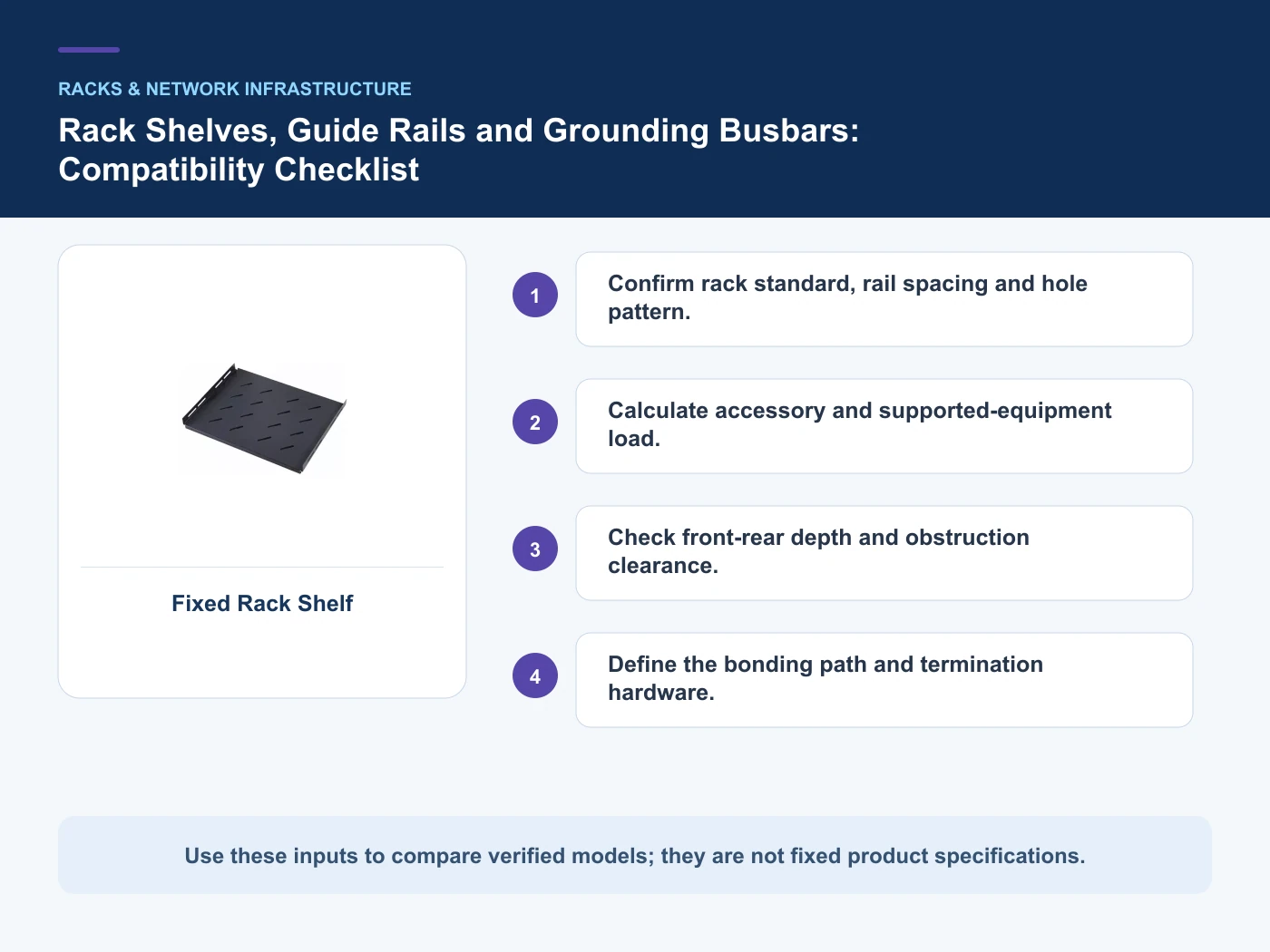
- Confirm rack standard, rail spacing and hole pattern.
- Calculate accessory and supported-equipment load.
- Check front-rear depth and obstruction clearance.
Confirm rack standard, rail spacing and hole pattern
Capture Rack make and dimensions, then use Fixed shelf as a practical comparison point: Non-rackmount equipment needs support. Before approval, verify this point: Width, depth, load and retention.
Calculate accessory and supported-equipment load
Capture Mounting-hole pattern, then use Guide rail as a practical comparison point: Equipment chassis needs side support. Before approval, verify this point: Chassis geometry and rail spacing.
Check front-rear depth and obstruction clearance
Capture Supported equipment load, then use Grounding busbar as a practical comparison point: Common bonding point is required. Before approval, verify this point: Material, hole pattern and conductor lugs.
Relevant products from our communications portfolio
The products below connect the rack accessory compatibility decision to real catalogue families and verified site photography. They are starting points, not a claim that every configuration described here is a standard stock item; confirm model, interface, rating, drawing and testing scope with the project team.
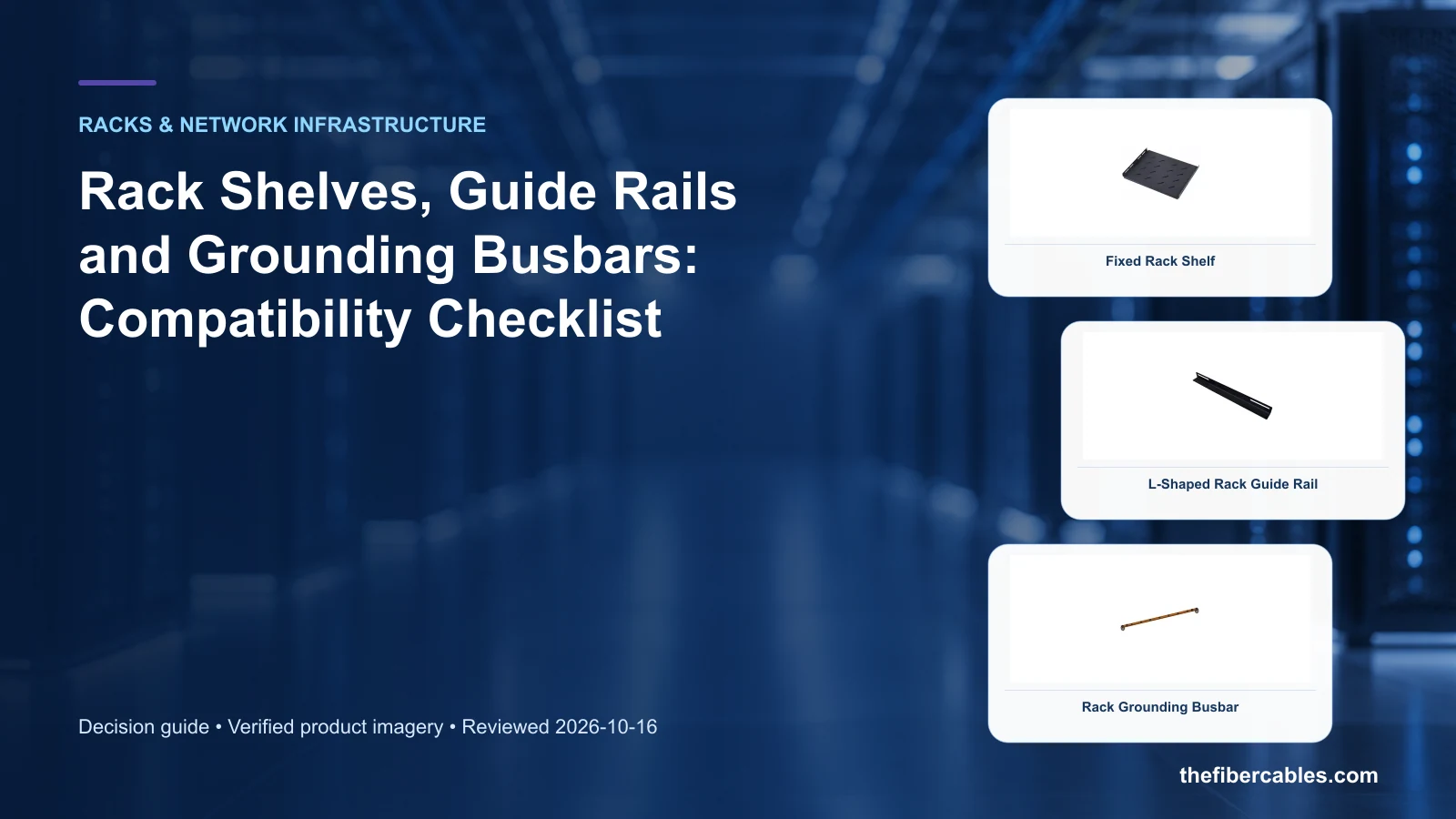
- Fixed Rack Shelf — use this product page as a configuration reference when you confirm rack standard, rail spacing and hole pattern. Confirm the offered model, interfaces, drawings and available evidence before quotation.
- L-Shaped Rack Guide Rail — use this product page as a configuration reference when you calculate accessory and supported-equipment load. Confirm the offered model, interfaces, drawings and available evidence before quotation.
- Rack Grounding Busbar — use this product page as a configuration reference when you check front-rear depth and obstruction clearance. Confirm the offered model, interfaces, drawings and available evidence before quotation.
For adjacent configurations, browse Data Center & Network Infrastructure and compare those options against the rack accessory compatibility inputs above, including rack make and dimensions.
Selection boundaries to verify
This table connects rack form factor, accessory compatibility, cable management, rack power, airflow control, grounding and service access to the decision on rack accessory compatibility. It is a decision aid rather than a universal performance table: exact capacity, environmental class, electrical or optical limits and certifications must come from the selected model, applicable project documents and verifiable test evidence.
| Option or input | When it fits | What must be verified |
|---|---|---|
| Fixed shelf | Non-rackmount equipment needs support | Width, depth, load and retention |
| Guide rail | Equipment chassis needs side support | Chassis geometry and rail spacing |
Reference point: ETSI ETS 300 119-2: Engineering requirements for racks and cabinets and TIA-942 data center infrastructure standard overview frame the terminology or method used for this rack accessory compatibility comparison. They do not approve a product configuration; apply the edition named by the contract and local authority.
A practical product-selection workflow
- Step 1: Define the operating scenario and document rack make and dimensions. Record Rack make and dimensions as an explicit input. Width, depth, load and retention.
- Step 2: Map interfaces, installation constraints and mounting-hole pattern. Record Mounting-hole pattern as an explicit input. Chassis geometry and rail spacing.
- Step 3: Compare candidate configurations against the decision table and record exceptions. Record Supported equipment load as an explicit input. Material, hole pattern and conductor lugs.
Common mistakes to avoid
- Selecting from a catalogue image before rack make and dimensions is fixed.
- Treating a category-page description as model-specific compliance evidence.
What to include in the RFQ or design input
For rack accessory compatibility, a complete request reduces back-and-forth and prevents a catalogue image from being mistaken for a verified configuration. Record the following fields, identify which values are mandatory or provisional and attach route, interface or layout drawings where relevant.
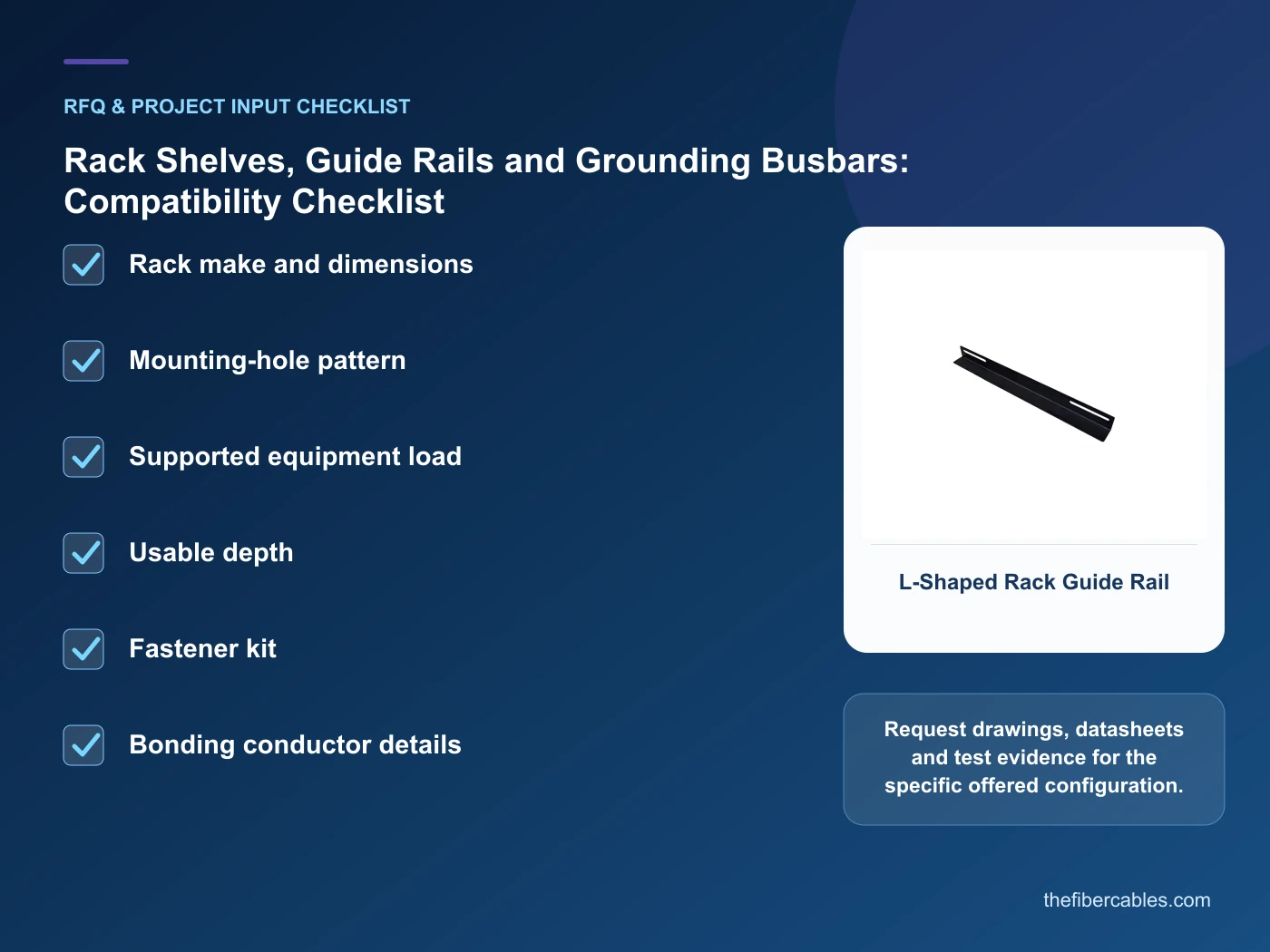
- Rack make and dimensions
- Mounting-hole pattern
- Supported equipment load
- Usable depth
- Fastener kit
- Bonding conductor details
Questions engineers and buyers ask
How should fixed shelf be evaluated for rack accessory compatibility?
Use non-rackmount equipment needs support as the operating context, record rack make and dimensions, and verify width, depth, load and retention for the exact offered configuration.
Which project input can change the rack accessory compatibility decision?
Confirm rack standard, rail spacing and hole pattern. Recheck that decision when mounting-hole pattern or supported equipment load changes.
Sources and standards
Use these primary references to check the engineering boundary for rack accessory compatibility. Product compliance still requires model-specific drawings, declarations and test evidence for the configured system.
- ETSI ETS 300 119-2: Engineering requirements for racks and cabinets (Ed.1, reviewed 2026-10-16). Use it to verify the terminology and scope relevant to rack accessory compatibility; the source does not certify a specific offered product.
- TIA-942 data center infrastructure standard overview (ANSI/TIA-942-C, 05/2024). Use it to verify the terminology and scope relevant to rack accessory compatibility; the source does not certify a specific offered product.
- ISO/IEC 22237-3: Data centre facilities and infrastructures — Power distribution (2021). Use it to verify the terminology and scope relevant to rack accessory compatibility; the source does not certify a specific offered product.
Source review: Links and cited editions for rack accessory compatibility were checked on 2026-10-16. Confirm the edition adopted by the project contract and the authority having jurisdiction.
Related guidance
Two-Post Open Frame Rack vs Enclosed Network Cabinet • Blanking Panels and Rack Fan Modules: Controlling Bypass Air Without Guesswork • How to Select a 4–18U Compact Network Rack Enclosure
Prepare a rack accessory compatibility configuration for review
Share rack make and dimensions, mounting-hole pattern, supported equipment load plus the intended installation and order quantity. We will map those inputs to a product family and a reviewable project configuration.
——END——