
Direct answer
Rack selection starts with the equipment schedule. U height covers only vertical mounting space; depth must include the deepest device, rail adjustment, connector projection, power cords and front/rear cable management. Static and dynamic loads, floor or plinth interface, door airflow, side access, grounding, PDU placement and replacement path also matter. Network cabinets often prioritize patching and side management, while server cabinets usually need greater depth and airflow capacity.
Within the broader Data Center Physical Infrastructure workflow, this article focuses on server cabinet selection: select a rack from installed equipment and maintenance envelope. Confirm device dimensions/weights and the evidence for the offered product before final engineering approval.
Records and control points to establish first
Select a rack from installed equipment and maintenance envelope. Start with the operating requirement and installation boundary, then separate system requirements from product claims so each supplier knows which evidence must accompany the offered configuration.
- List every mounted and zero-U device.
- Calculate usable U space with growth and management panels.
- Check depth and connector/cable bend zones.
- Validate load, airflow, doors and replacement path.
List every mounted and zero-U device
Capture Device dimensions/weights, then use Network cabinet as a practical comparison point: Patching, switches and cable management. Before approval, verify this point: Width and side management may be important.
Calculate usable U space with growth and management panels
Capture Required U and growth, then use Server cabinet as a practical comparison point: Deep servers and higher thermal load. Before approval, verify this point: Depth, rail support and airflow dominate.
Check depth and connector/cable bend zones
Capture Front/rear cable space, then use Integrated rack as a practical comparison point: Equipment plus power/cooling options. Before approval, verify this point: Clarify system boundaries and service access.
Validate load, airflow, doors and replacement path
Capture PDU and grounding, then use Network cabinet as a practical comparison point: Patching, switches and cable management. Before approval, verify this point: Width and side management may be important.
An operations workflow that keeps field and digital records aligned
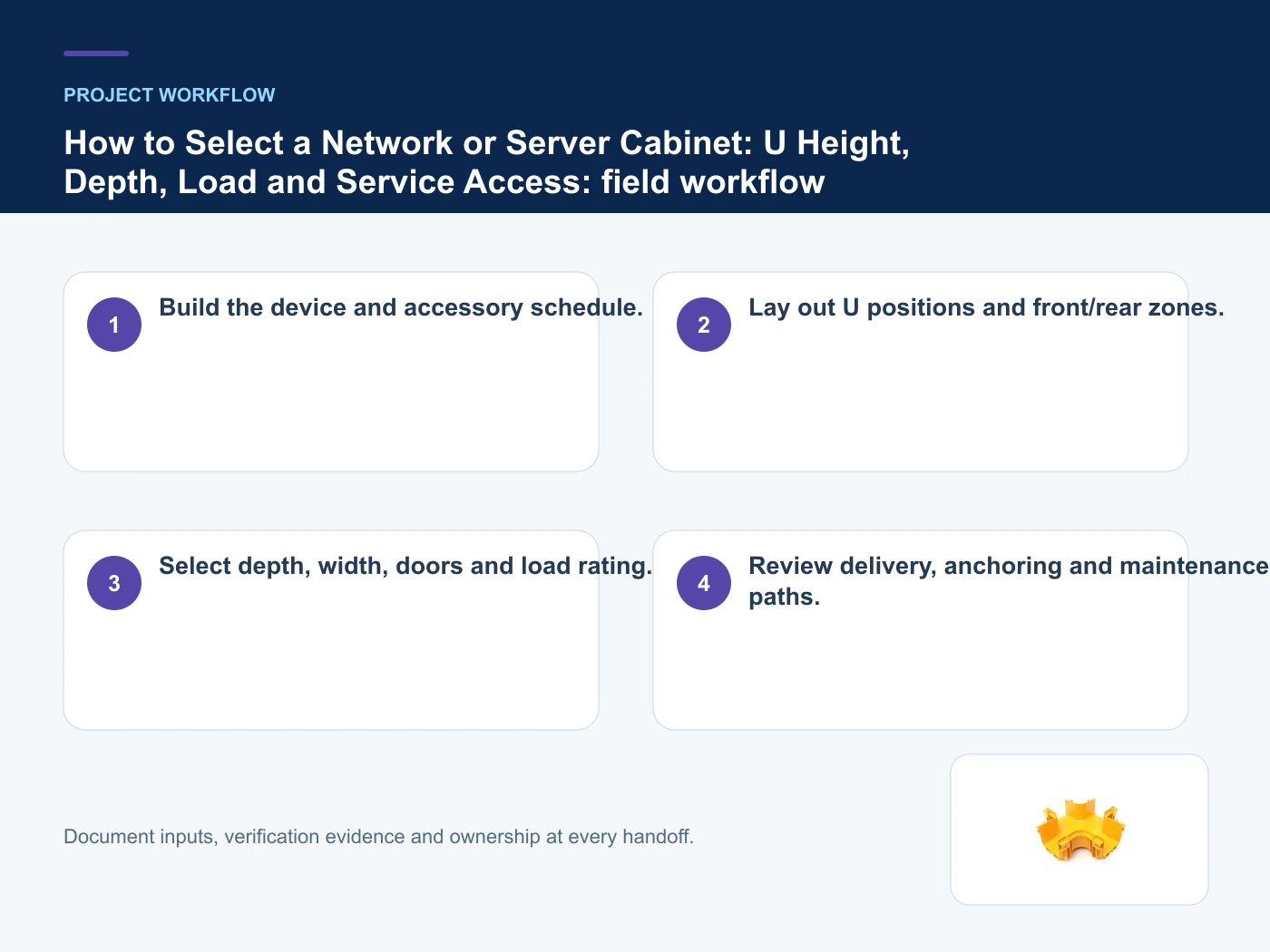
- Step 1: Build the device and accessory schedule. Record Device dimensions/weights as an explicit input. Width and side management may be important.
- Step 2: Lay out U positions and front/rear zones. Record Required U and growth as an explicit input. Depth, rail support and airflow dominate.
- Step 3: Select depth, width, doors and load rating. Record Front/rear cable space as an explicit input. Clarify system boundaries and service access.
- Step 4: Review delivery, anchoring and maintenance paths. Record PDU and grounding as an explicit input. Width and side management may be important.
Common mistakes to avoid
- Using external depth as usable equipment depth.
- Filling every U with no patch or service reserve.
- Ignoring door perforation and cable obstruction.
Operating controls and evidence boundaries
This table connects racks, containment, pathways, modular rooms, service access and future expansion to the decision on server cabinet selection. It is a decision aid rather than a universal performance table: exact capacity, environmental class, electrical or optical limits and certifications must come from the selected model, applicable project documents and verifiable test evidence.
| Option or input | When it fits | What must be verified |
|---|---|---|
| Network cabinet | Patching, switches and cable management | Width and side management may be important |
| Server cabinet | Deep servers and higher thermal load | Depth, rail support and airflow dominate |
| Integrated rack | Equipment plus power/cooling options | Clarify system boundaries and service access |
Reference point: TIA-942 data center infrastructure standard overview and ISO/IEC 22237-4: Data centre facilities and infrastructures — Environmental control frame the terminology or method used for this server cabinet selection comparison. They do not approve a product configuration; apply the edition named by the contract and local authority.
Relevant products from our communications portfolio
The products below connect the server cabinet selection decision to real catalogue families and verified site photography. They are starting points, not a claim that every configuration described here is a standard stock item; confirm model, interface, rating, drawing and testing scope with the project team.
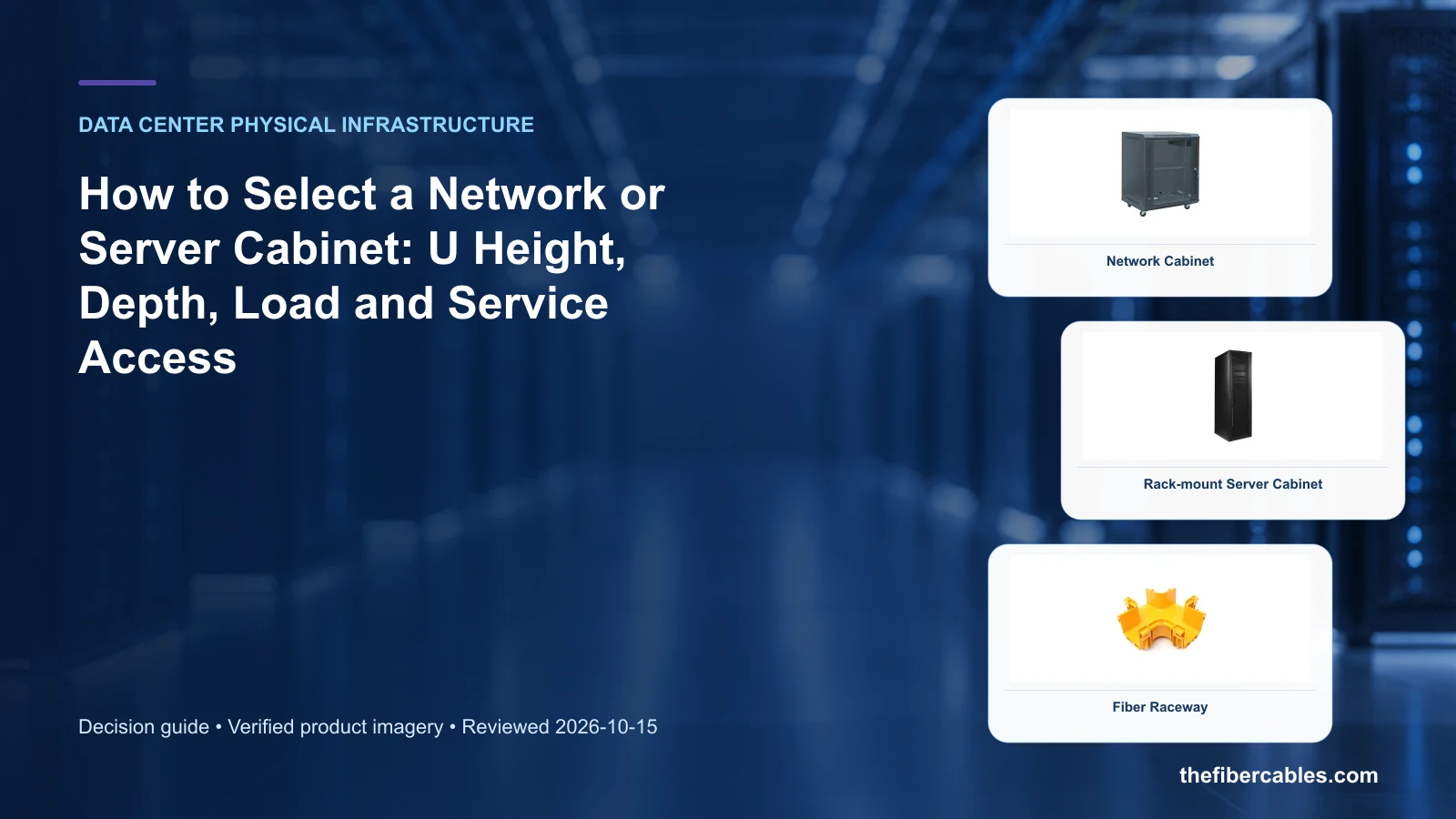
- Network Cabinet — use this product page as a configuration reference when you list every mounted and zero-U device. Confirm the offered model, interfaces, drawings and available evidence before quotation.
- Server Rack Cabinet — use this product page as a configuration reference when you calculate usable U space with growth and management panels. Confirm the offered model, interfaces, drawings and available evidence before quotation.
- Fiber Raceway — use this product page as a configuration reference when you check depth and connector/cable bend zones. Confirm the offered model, interfaces, drawings and available evidence before quotation.
For adjacent configurations, browse Data Center & Network Infrastructure and compare those options against the server cabinet selection inputs above, including device dimensions/weights.
What to include in the RFQ or design input
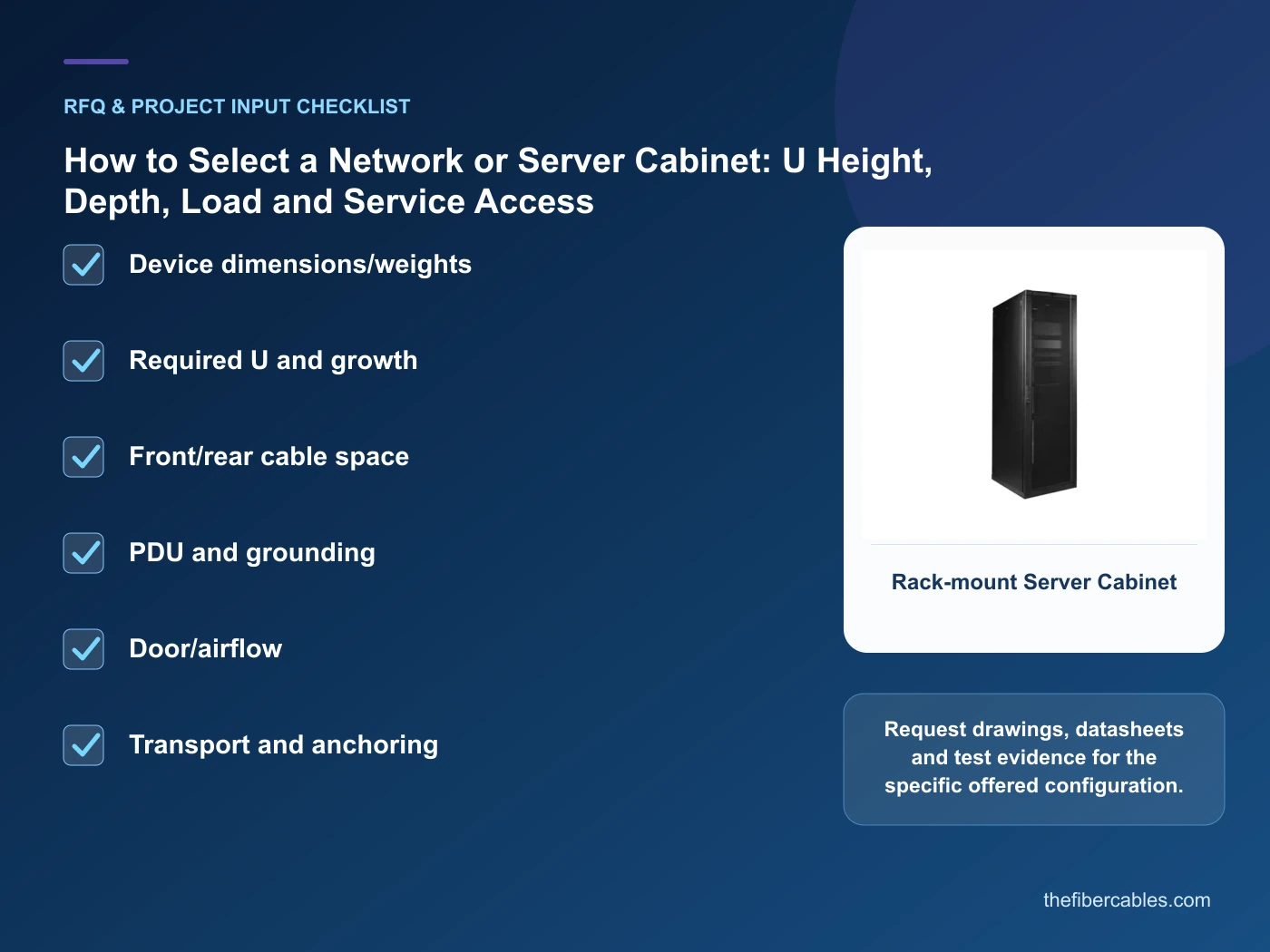
For server cabinet selection, a complete request reduces back-and-forth and prevents a catalogue image from being mistaken for a verified configuration. Record the following fields, identify which values are mandatory or provisional and attach route, interface or layout drawings where relevant.
- Device dimensions/weights
- Required U and growth
- Front/rear cable space
- PDU and grounding
- Door/airflow
- Transport and anchoring
Questions engineers and buyers ask
What is the minimum record set for server cabinet selection?
Record stable identifiers, location, connectivity or operating state, change ownership, time stamps and the evidence needed to reconcile field and digital records.
How should field changes be closed?
Update the approved work order, verify the physical result, reconcile the system of record and retain an auditable exception path.
Sources and standards
For server cabinet selection, the references below define relevant terminology, scope or test methods. TIA-942 data center infrastructure standard overview is one documented boundary for this topic; neither a standards catalogue page nor a category page proves certification of the offered product. Apply the edition adopted by the contract, destination market and authority having jurisdiction.
- TIA-942 data center infrastructure standard overview (ANSI/TIA-942-C, 05/2024). Use it to verify the terminology and scope relevant to server cabinet selection; the source does not certify a specific offered product.
- ISO/IEC 22237-4: Data centre facilities and infrastructures — Environmental control (2021). Use it to verify the terminology and scope relevant to server cabinet selection; the source does not certify a specific offered product.
Source review: Links and cited editions for server cabinet selection were checked on 2026-10-15. Confirm the edition adopted by the project contract and the authority having jurisdiction.
Related guidance
Data Center Physical Infrastructure Planning: Racks, Aisles, Fiber Pathways and Expansion • Fiber Raceway vs Metal Cable Tray for Data-Center Cabling • MPO/MTP Trunk Cable Polarity and Fiber Count: A Procurement Checklist
Prepare a server cabinet selection configuration for review
Send device dimensions/weights, required u and growth, front/rear cable space, pdu and grounding, together with quantity and delivery destination. We will help narrow the relevant product family and identify the drawings or test evidence needed for quotation.
——END——