
Direct answer
A single-compartment cabinet is compact and can simplify access when equipment shares compatible environmental conditions. A multi-compartment cabinet separates equipment, power and batteries so each zone can have different access, airflow or safety treatment. More compartments add panels, seals and thermal interfaces, so they are not automatically better. The correct layout follows the equipment schedule, heat sources, battery technology, cable routes and maintenance responsibilities.
Within the broader Outdoor Telecom & Edge Sites workflow, this article focuses on single vs multi compartment telecom cabinet: choose enclosure zoning for equipment, power and batteries. Confirm equipment by zone and the evidence for the offered product before final engineering approval.
Decisions that separate the options
Choose enclosure zoning for equipment, power and batteries. Start with the operating requirement and installation boundary, then separate system requirements from product claims so each supplier knows which evidence must accompany the offered configuration.
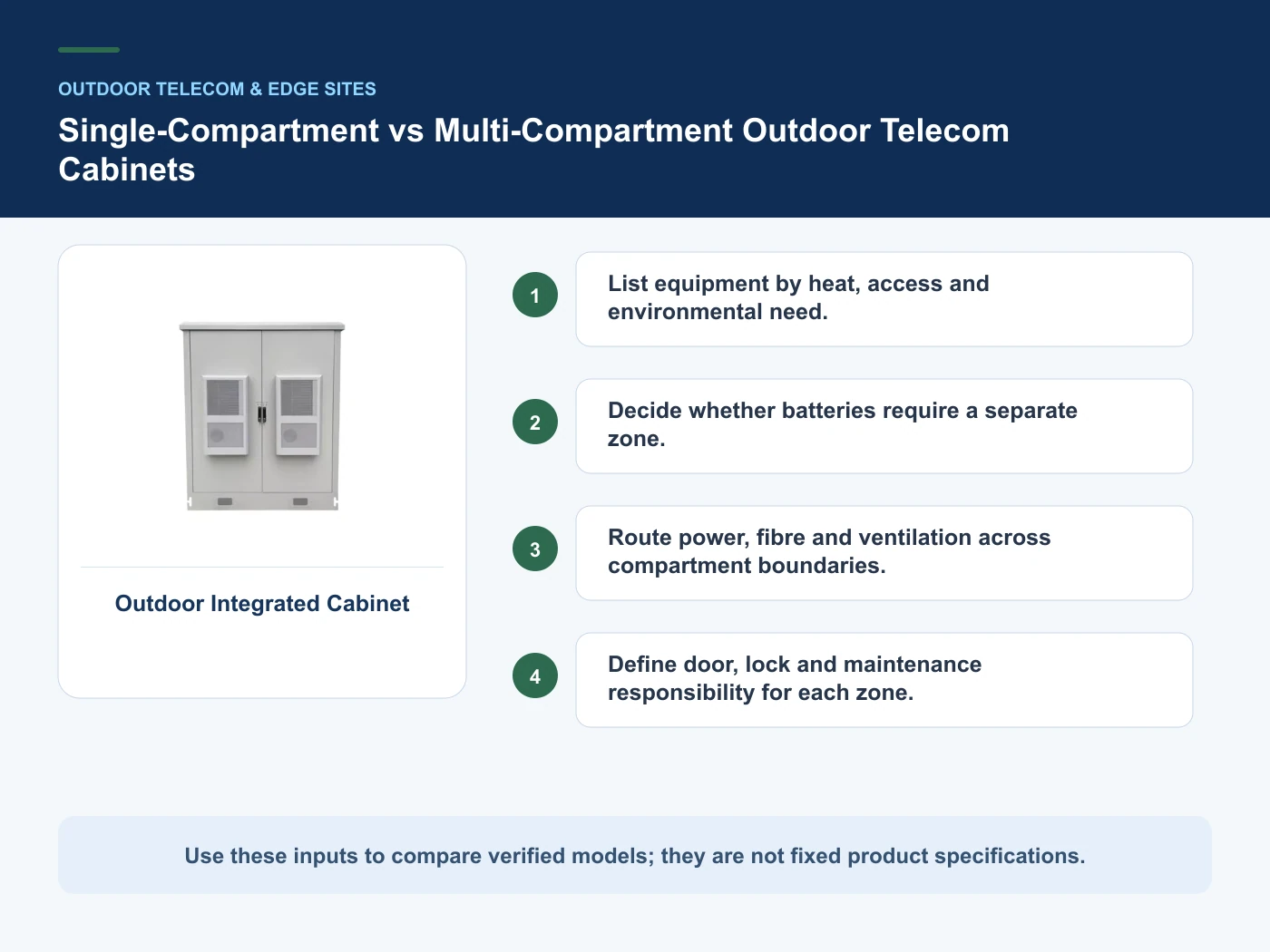
- List equipment by heat, access and environmental need.
- Decide whether batteries require a separate zone.
- Route power, fibre and ventilation across compartment boundaries.
- Define door, lock and maintenance responsibility for each zone.
List equipment by heat, access and environmental need
Capture Equipment by zone, then use Single compartment as a practical comparison point: Compatible equipment and compact site. Before approval, verify this point: Simpler shell but shared thermal/access conditions.
Decide whether batteries require a separate zone
Capture Battery technology, then use Two compartments as a practical comparison point: Equipment and power/battery separation. Before approval, verify this point: Coordinate cross-boundary cabling and heat.
Route power, fibre and ventilation across compartment boundaries
Capture Heat load by zone, then use Multiple compartments as a practical comparison point: Distinct tenants or environmental zones. Before approval, verify this point: More interfaces, seals and service planning.
Define door, lock and maintenance responsibility for each zone
Capture Cooling method, then use Single compartment as a practical comparison point: Compatible equipment and compact site. Before approval, verify this point: Simpler shell but shared thermal/access conditions.
Where the options diverge
This table connects enclosures, thermal management, environmental exposure, site integration and maintenance access to the decision on single vs multi compartment telecom cabinet. It is a decision aid rather than a universal performance table: exact capacity, environmental class, electrical or optical limits and certifications must come from the selected model, applicable project documents and verifiable test evidence.
| Option or input | When it fits | What must be verified |
|---|---|---|
| Single compartment | Compatible equipment and compact site | Simpler shell but shared thermal/access conditions |
| Two compartments | Equipment and power/battery separation | Coordinate cross-boundary cabling and heat |
| Multiple compartments | Distinct tenants or environmental zones | More interfaces, seals and service planning |
Reference point: ETSI EN 300 019-1-4 environmental conditions for non-weatherprotected locations and IEC 62619: Safety requirements for industrial secondary lithium cells and batteries frame the terminology or method used for this single vs multi compartment telecom cabinet comparison. They do not approve a product configuration; apply the edition named by the contract and local authority.
Relevant products from our communications portfolio
The products below connect the single vs multi compartment telecom cabinet decision to real catalogue families and verified site photography. They are starting points, not a claim that every configuration described here is a standard stock item; confirm model, interface, rating, drawing and testing scope with the project team.
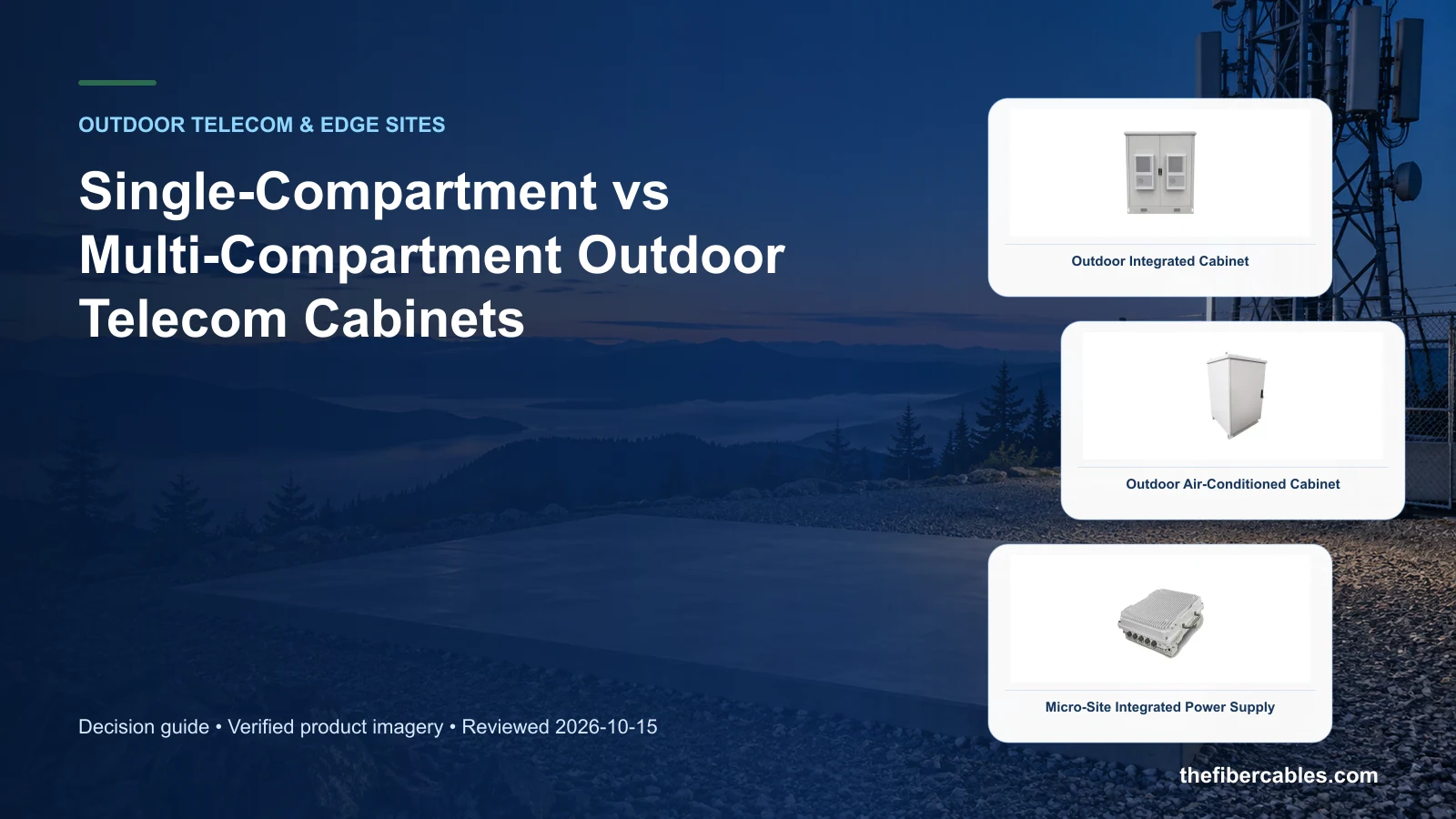
- Outdoor Integrated Cabinet — use this product page as a configuration reference when you list equipment by heat, access and environmental need. Confirm the offered model, interfaces, drawings and available evidence before quotation.
- Outdoor Air-Conditioned Cabinet — use this product page as a configuration reference when you decide whether batteries require a separate zone. Confirm the offered model, interfaces, drawings and available evidence before quotation.
- Micro-Site Integrated Power Supply — use this product page as a configuration reference when you route power, fibre and ventilation across compartment boundaries. Confirm the offered model, interfaces, drawings and available evidence before quotation.
For adjacent configurations, browse Outdoor Cabinets & Site Infrastructure and compare those options against the single vs multi compartment telecom cabinet inputs above, including equipment by zone.
A comparison workflow that avoids label-based selection
- Step 1: Create equipment and battery schedules. Record Equipment by zone as an explicit input. Simpler shell but shared thermal/access conditions.
- Step 2: Group by environment and access. Record Battery technology as an explicit input. Coordinate cross-boundary cabling and heat.
- Step 3: Lay out thermal and cable paths. Record Heat load by zone as an explicit input. More interfaces, seals and service planning.
- Step 4: Review doors, partitions and maintenance clearances. Record Cooling method as an explicit input. Simpler shell but shared thermal/access conditions.
Common mistakes to avoid
- Adding compartments without a functional reason.
- Allowing hot exhaust to recirculate into another zone.
- Failing to plan cross-compartment cable seals.
What to include in the RFQ or design input
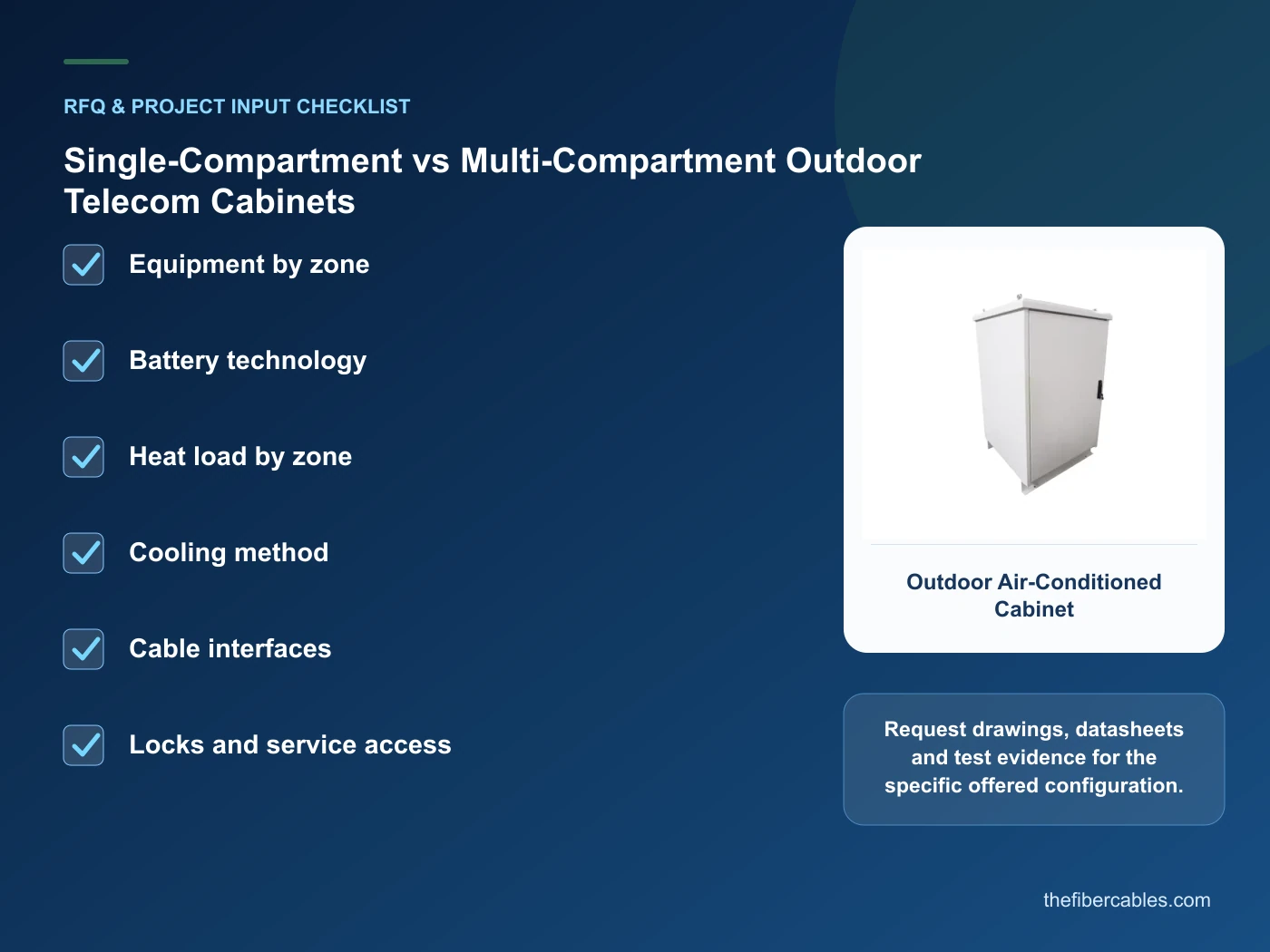
For single vs multi compartment telecom cabinet, a complete request reduces back-and-forth and prevents a catalogue image from being mistaken for a verified configuration. Record the following fields, identify which values are mandatory or provisional and attach route, interface or layout drawings where relevant.
- Equipment by zone
- Battery technology
- Heat load by zone
- Cooling method
- Cable interfaces
- Locks and service access
Questions engineers and buyers ask
Which option is better for single vs multi compartment telecom cabinet?
There is no universal winner. Choose the option that satisfies list equipment by heat, access and environmental need. and decide whether batteries require a separate zone., then verify the offered model and project conditions.
Can price alone decide this comparison?
No. Compare installed interfaces, protection, testing, maintenance and expansion obligations as well as unit price.
Sources and standards
For single vs multi compartment telecom cabinet, the references below define relevant terminology, scope or test methods. ETSI EN 300 019-1-4 environmental conditions for non-weatherprotected locations is one documented boundary for this topic; neither a standards catalogue page nor a category page proves certification of the offered product. Apply the edition adopted by the contract, destination market and authority having jurisdiction.
- ETSI EN 300 019-1-4 environmental conditions for non-weatherprotected locations (V3.1.1, 05/2026; current edition). Use it to verify the terminology and scope relevant to single vs multi compartment telecom cabinet; the source does not certify a specific offered product.
- IEC 62619: Safety requirements for industrial secondary lithium cells and batteries (2022, Ed.2). Use it to verify the terminology and scope relevant to single vs multi compartment telecom cabinet; the source does not certify a specific offered product.
- ASHRAE: Edge Computing — Considerations for Reliable Operation (09/2020). Use it to verify the terminology and scope relevant to single vs multi compartment telecom cabinet; the source does not certify a specific offered product.
Source review: Links and cited editions for single vs multi compartment telecom cabinet were checked on 2026-10-15. Confirm the edition adopted by the project contract and the authority having jurisdiction.
Related guidance
Outdoor Telecom Site Design: Cabinets, Cooling, Power and Equipment Shelters • How to Select an Outdoor Cabinet IP Rating and Cable-Entry Strategy • Outdoor Telecom Cabinet vs Equipment Shelter: Footprint, Service and Expansion
Prepare a single vs multi compartment telecom cabinet configuration for review
Send equipment by zone, battery technology, heat load by zone, cooling method, together with quantity and delivery destination. We will help narrow the relevant product family and identify the drawings or test evidence needed for quotation.
——END——