
Direct answer
A launch fibre separates the first connector from the OTDR’s own output event and lets the trace settle before the link under test. A receive fibre can expose the far-end connector and provide backscatter after it. Required length is not universal: it depends on pulse width, instrument dead-zone performance, link length and the event objective. Both fibres must match the tested fibre and have clean, stable connectors.
Within the broader Fiber Testing & Maintenance workflow, this article focuses on OTDR launch cable: configure launch and receive fibres for endpoint and event analysis. Confirm fibre type and the evidence for the offered product before final engineering approval.
Measurement objective and test conditions
Configure launch and receive fibres for endpoint and event analysis. Start with the operating requirement and installation boundary, then separate system requirements from product claims so each supplier knows which evidence must accompany the offered configuration.
- Define which near-end and far-end events must be measured.
- Choose launch/receive length from settings and dead-zone performance.
- Match fibre type and connector interfaces.
- Record lead identity and exclude or include it consistently in analysis.
Define which near-end and far-end events must be measured
Capture Fibre type, then use No launch fibre as a practical comparison point: Fast troubleshooting only. Before approval, verify this point: First connector cannot be characterized reliably.
Choose launch/receive length from settings and dead-zone performance
Capture Connector interfaces, then use Launch fibre as a practical comparison point: Near-end connector and first events. Before approval, verify this point: Length must exceed the effective dead-zone need.
Match fibre type and connector interfaces
Capture Link length, then use Launch + receive as a practical comparison point: Both endpoints. Before approval, verify this point: Analysis markers must identify the actual link boundaries.
Record lead identity and exclude or include it consistently in analysis
Capture Pulse/dead-zone objective, then use No launch fibre as a practical comparison point: Fast troubleshooting only. Before approval, verify this point: First connector cannot be characterized reliably.
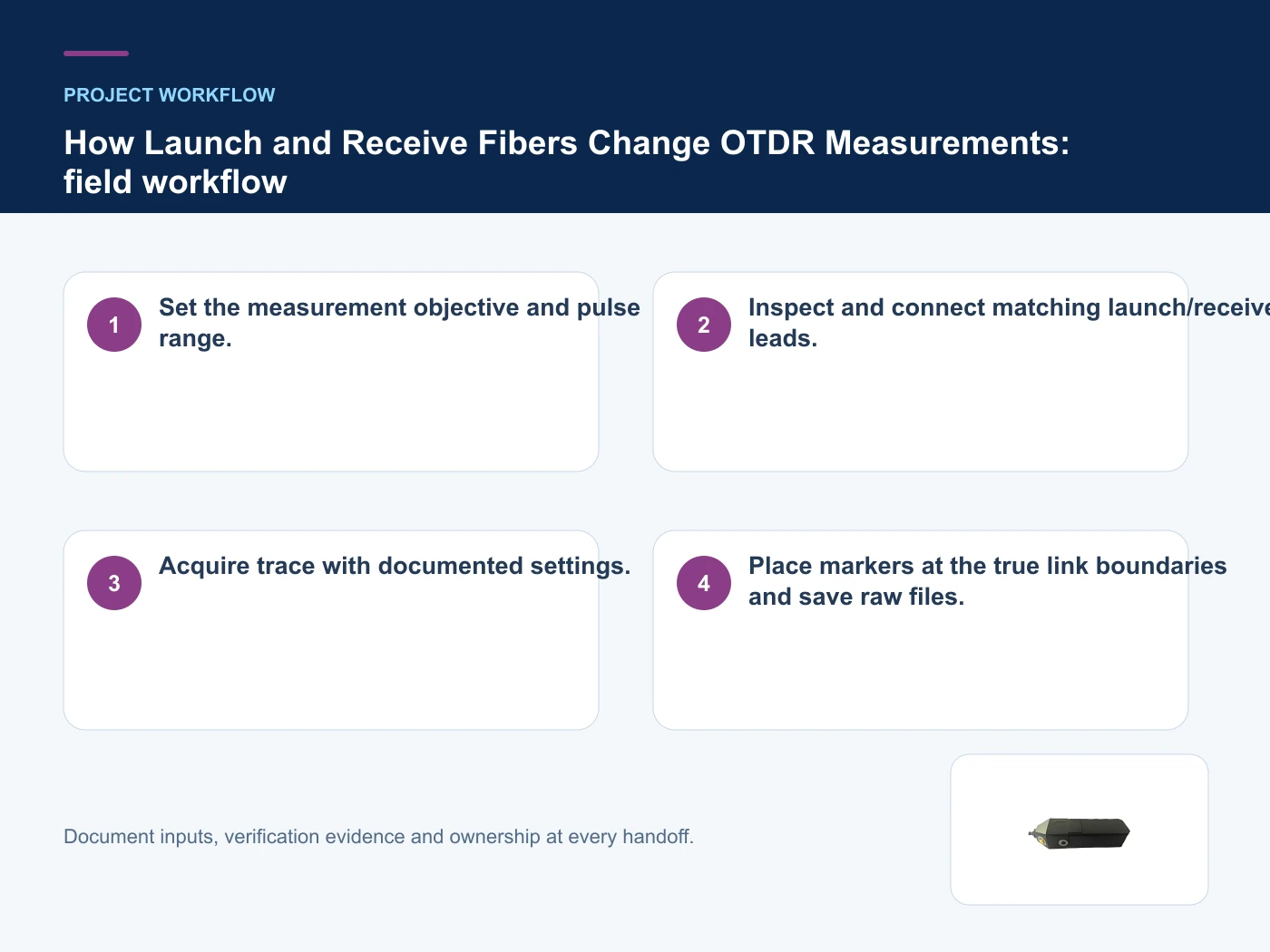
A repeatable field-test and handover workflow
- Step 1: Set the measurement objective and pulse range. Record Fibre type as an explicit input. First connector cannot be characterized reliably.
- Step 2: Inspect and connect matching launch/receive leads. Record Connector interfaces as an explicit input. Length must exceed the effective dead-zone need.
- Step 3: Acquire trace with documented settings. Record Link length as an explicit input. Analysis markers must identify the actual link boundaries.
- Step 4: Place markers at the true link boundaries and save raw files. Record Pulse/dead-zone objective as an explicit input. First connector cannot be characterized reliably.
What each result can and cannot prove
This table connects inspection, optical-loss measurement, OTDR analysis, acceptance records and maintenance workflow to the decision on OTDR launch cable. It is a decision aid rather than a universal performance table: exact capacity, environmental class, electrical or optical limits and certifications must come from the selected model, applicable project documents and verifiable test evidence.
| Option or input | When it fits | What must be verified |
|---|---|---|
| No launch fibre | Fast troubleshooting only | First connector cannot be characterized reliably |
| Launch fibre | Near-end connector and first events | Length must exceed the effective dead-zone need |
| Launch + receive | Both endpoints | Analysis markers must identify the actual link boundaries |
Reference point: ITU-T G.650.3: Test methods for installed single-mode fibre cable links and FOA: Optical Time Domain Reflectometer frame the terminology or method used for this OTDR launch cable comparison. They do not approve a product configuration; apply the edition named by the contract and local authority.
Common mistakes to avoid
- Using one fixed lead length for every pulse and link.
- Counting the launch fibre as installed-link length.
- Ignoring launch-lead connector contamination.
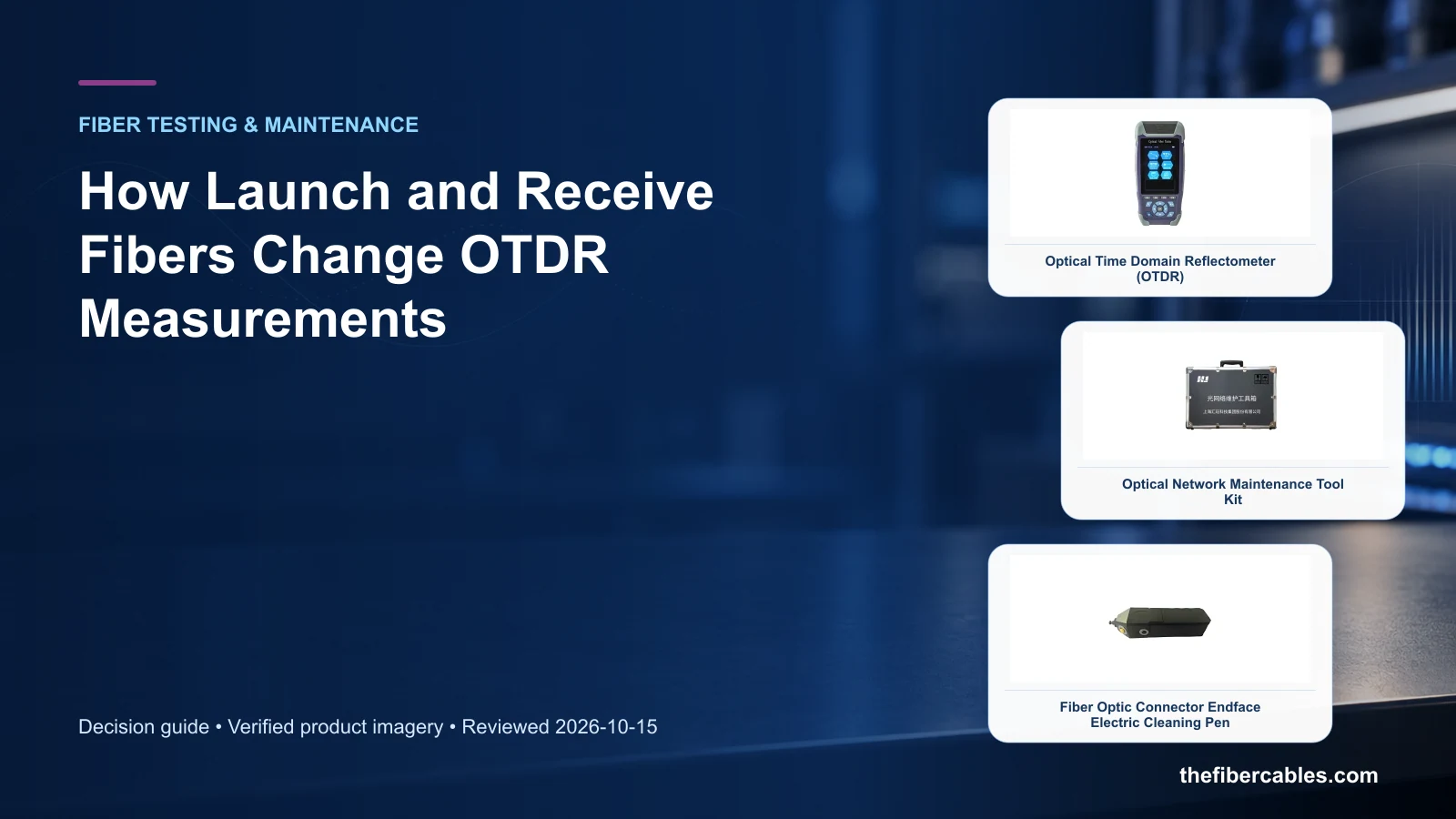
Relevant products from our communications portfolio
The products below connect the OTDR launch cable decision to real catalogue families and verified site photography. They are starting points, not a claim that every configuration described here is a standard stock item; confirm model, interface, rating, drawing and testing scope with the project team.
- Optical Time Domain Reflectometer (OTDR) — use this product page as a configuration reference when you define which near-end and far-end events must be measured. Confirm the offered model, interfaces, drawings and available evidence before quotation.
- Optical Network Maintenance Tool Kit — use this product page as a configuration reference when you choose launch/receive length from settings and dead-zone performance. Confirm the offered model, interfaces, drawings and available evidence before quotation.
- Powered Fiber Optic Connector End-Face Cleaner — use this product page as a configuration reference when you match fibre type and connector interfaces. Confirm the offered model, interfaces, drawings and available evidence before quotation.
For adjacent configurations, browse Fiber Splicing, Cleaning & Test Tools and compare those options against the OTDR launch cable inputs above, including fibre type.
What to include in the RFQ or design input
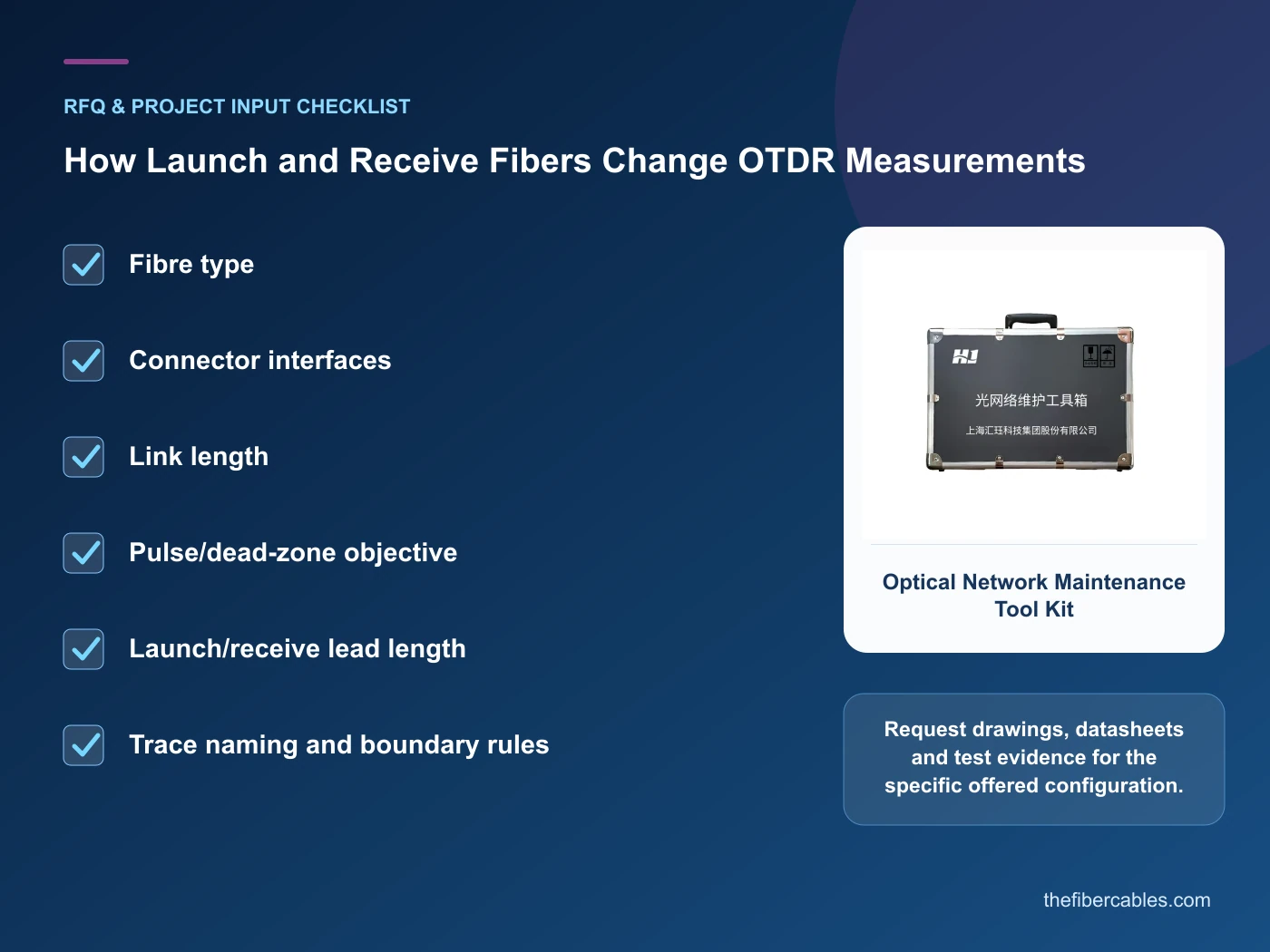
For OTDR launch cable, a complete request reduces back-and-forth and prevents a catalogue image from being mistaken for a verified configuration. Record the following fields, identify which values are mandatory or provisional and attach route, interface or layout drawings where relevant.
- Fibre type
- Connector interfaces
- Link length
- Pulse/dead-zone objective
- Launch/receive lead length
- Trace naming and boundary rules
Questions engineers and buyers ask
Which test should be selected for OTDR launch cable?
Start from the measurement objective and contractual limit, then choose the method, reference setup and instrument settings that can prove that objective.
What must accompany the test result?
Keep the link identity, date, wavelength, direction, reference method, instrument settings, raw files and pass/fail limit with the handover record.
Sources and standards
For OTDR launch cable, the references below define relevant terminology, scope or test methods. ITU-T G.650.3: Test methods for installed single-mode fibre cable links is one documented boundary for this topic; neither a standards catalogue page nor a category page proves certification of the offered product. Apply the edition adopted by the contract, destination market and authority having jurisdiction.
- ITU-T G.650.3: Test methods for installed single-mode fibre cable links (08/2017). Use it to verify the terminology and scope relevant to OTDR launch cable; the source does not certify a specific offered product.
- FOA: Optical Time Domain Reflectometer (Technical reference accessed 2026-10-15). Use it to verify the terminology and scope relevant to OTDR launch cable; the source does not certify a specific offered product.
- IEC 61746-1: Calibration of optical time-domain reflectometers (2009). Use it to verify the terminology and scope relevant to OTDR launch cable; the source does not certify a specific offered product.
Source review: Links and cited editions for OTDR launch cable were checked on 2026-10-15. Confirm the edition adopted by the project contract and the authority having jurisdiction.
Related guidance
Fiber Testing and Acceptance Guide: OTDR, Optical Power, Loss and Connector Quality • OTDR vs Optical Power Meter and Light Source: Which Test Answers Which Question? • Insertion Loss vs Return Loss: What Each Reveals About a Fiber Link
Prepare a OTDR launch cable configuration for review
Send fibre type, connector interfaces, link length, pulse/dead-zone objective, together with quantity and delivery destination. We will help narrow the relevant product family and identify the drawings or test evidence needed for quotation.
——END——